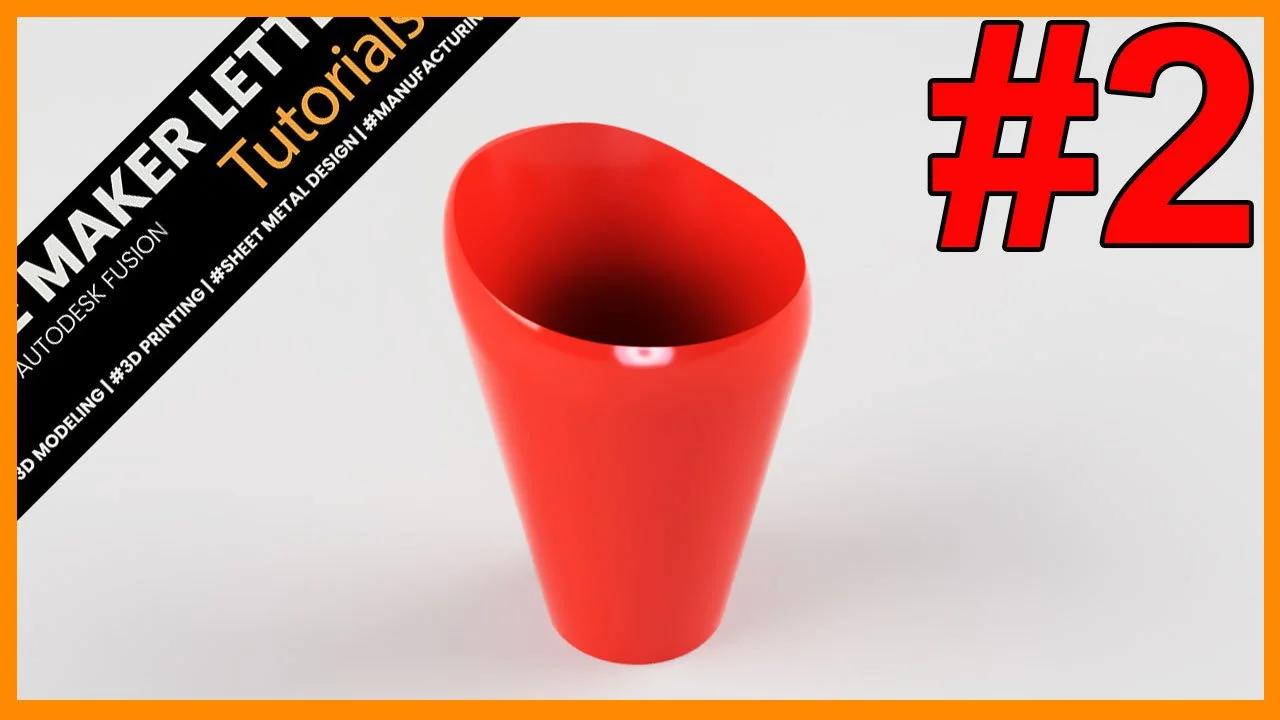
Five Fantastic Fillet Facts in Fusion
Fillets are one of the most powerful yet often misunderstood tools in Fusion. They do more than soften sharp edges—they influence strength, surface continuity, and how well a model survives design changes. This tutorial covers five practical fillet facts, each based on real modeling scenarios that improve workflow reliability and produce cleaner, more professional parts.
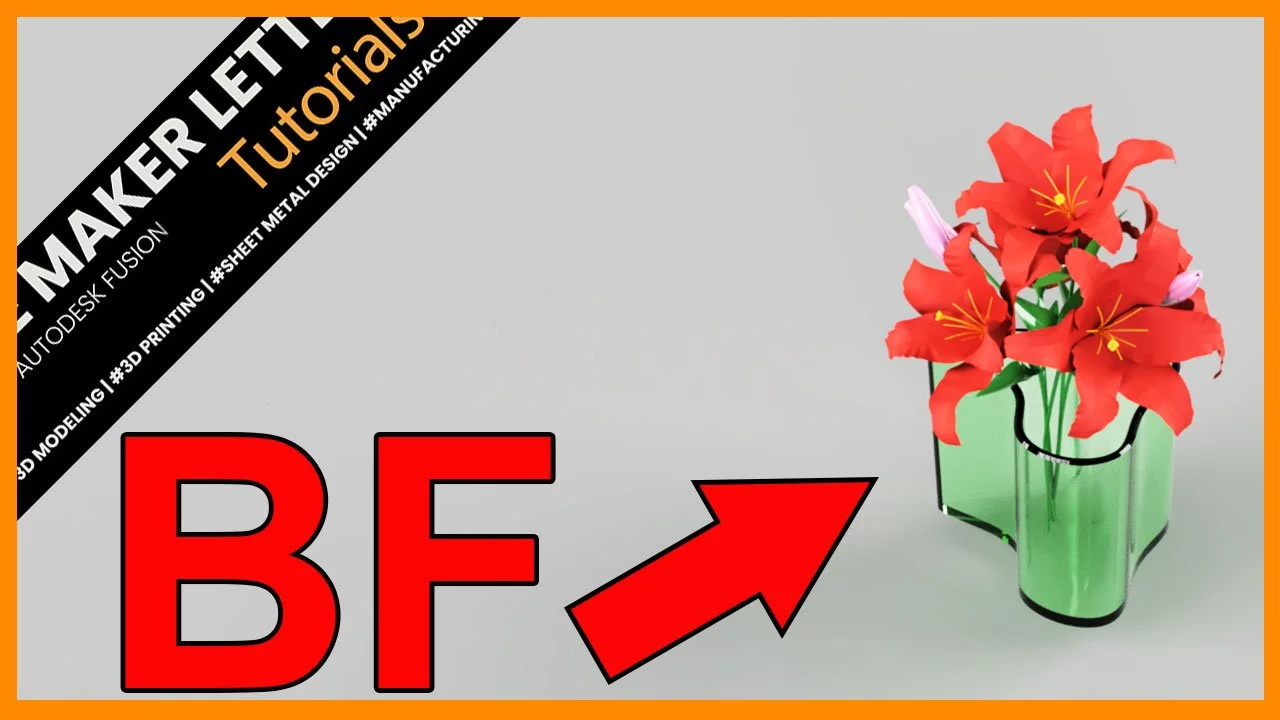
Mastering Boundary Fill in Fusion: Blend Surface and Solid Modeling Like a Pro
Discover how to blend surface and solid modeling in Autodesk Fusion using the Boundary Fill tool. This step-by-step tutorial shows how to turn complex surface intersections into clean, editable solid bodies — ideal for advanced design and 3D printing workflows.
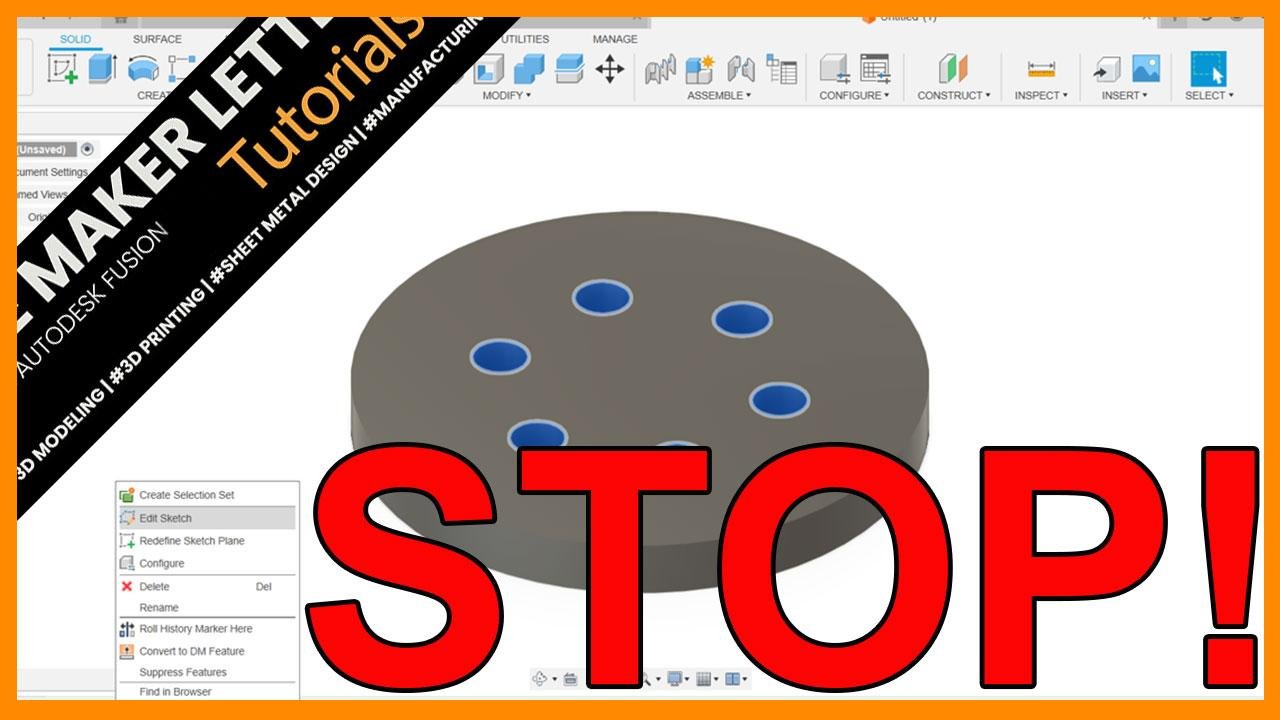
Why Creating Patterns in the Solid Modeling Workspace is Better in Autodesk Fusion
Many Fusion users waste time creating patterns in sketches. Discover why switching to the solid modeling workspace makes your designs faster, cleaner, and easier to edit.