Learn 3D Design & 3D Printing with Fusion
Step-by-step tutorials, maker projects, and real-world tips for students, engineers, and creators using Autodesk Fusion.
From the Blog
Explore tutorials, 3D printing experiments, and hands-on Fusion projects. Learn new tools, improve your workflow, and turn your ideas into real objects.
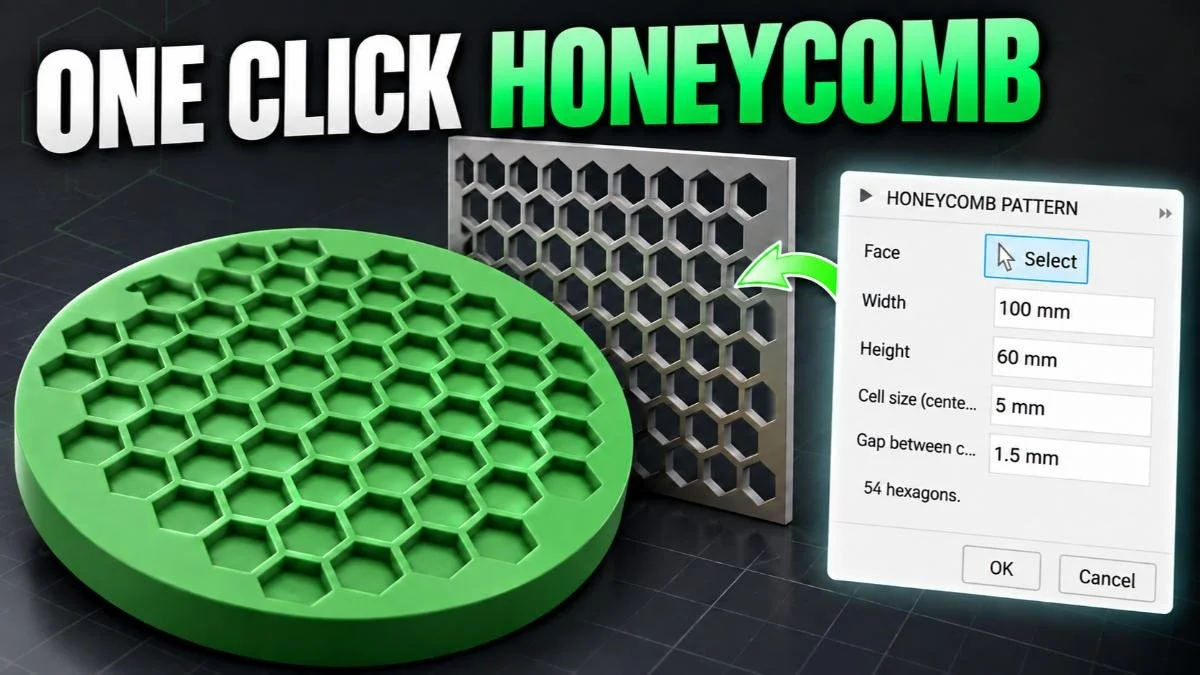
Create honeycomb patterns in Autodesk Fusion with the Honeycomb Pattern Add-In. Learn to fit hexagons to circular and irregular faces, generate sketch grids, and use Extrude to create geometry for 3D-printing projects.
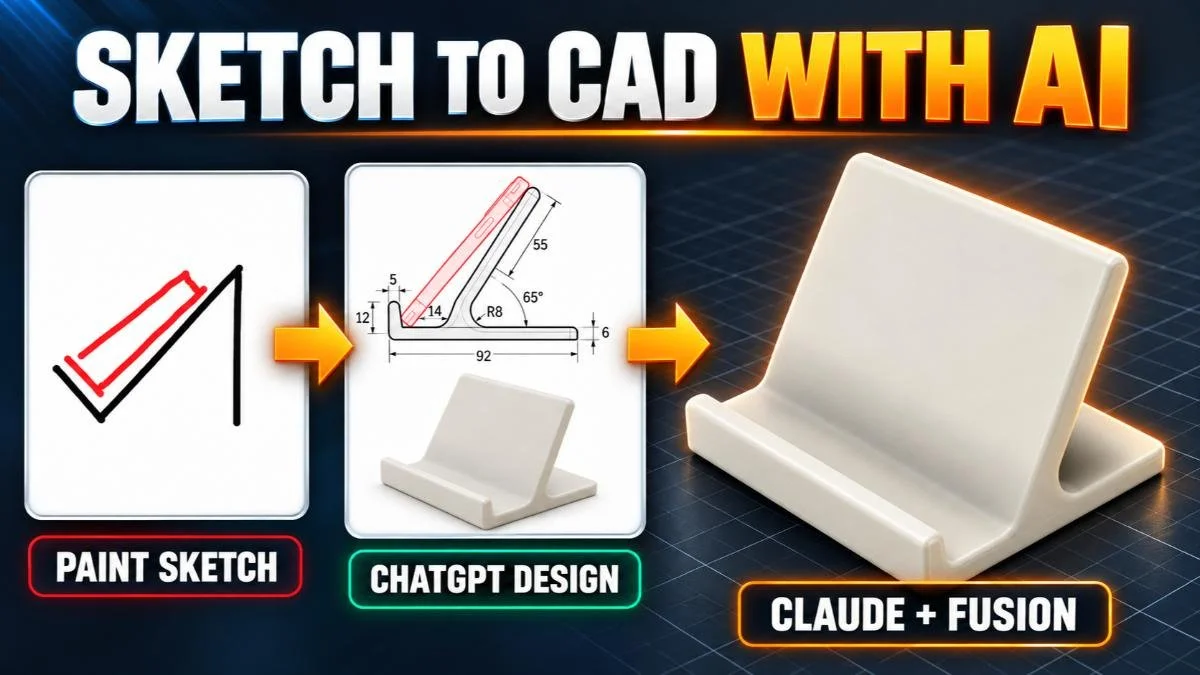
Design a 3D-printable phone stand in Fusion with help from ChatGPT and Claude. Learn how clearer dimensions, better design inputs, and defined AI responsibilities can improve an AI-assisted CAD workflow.
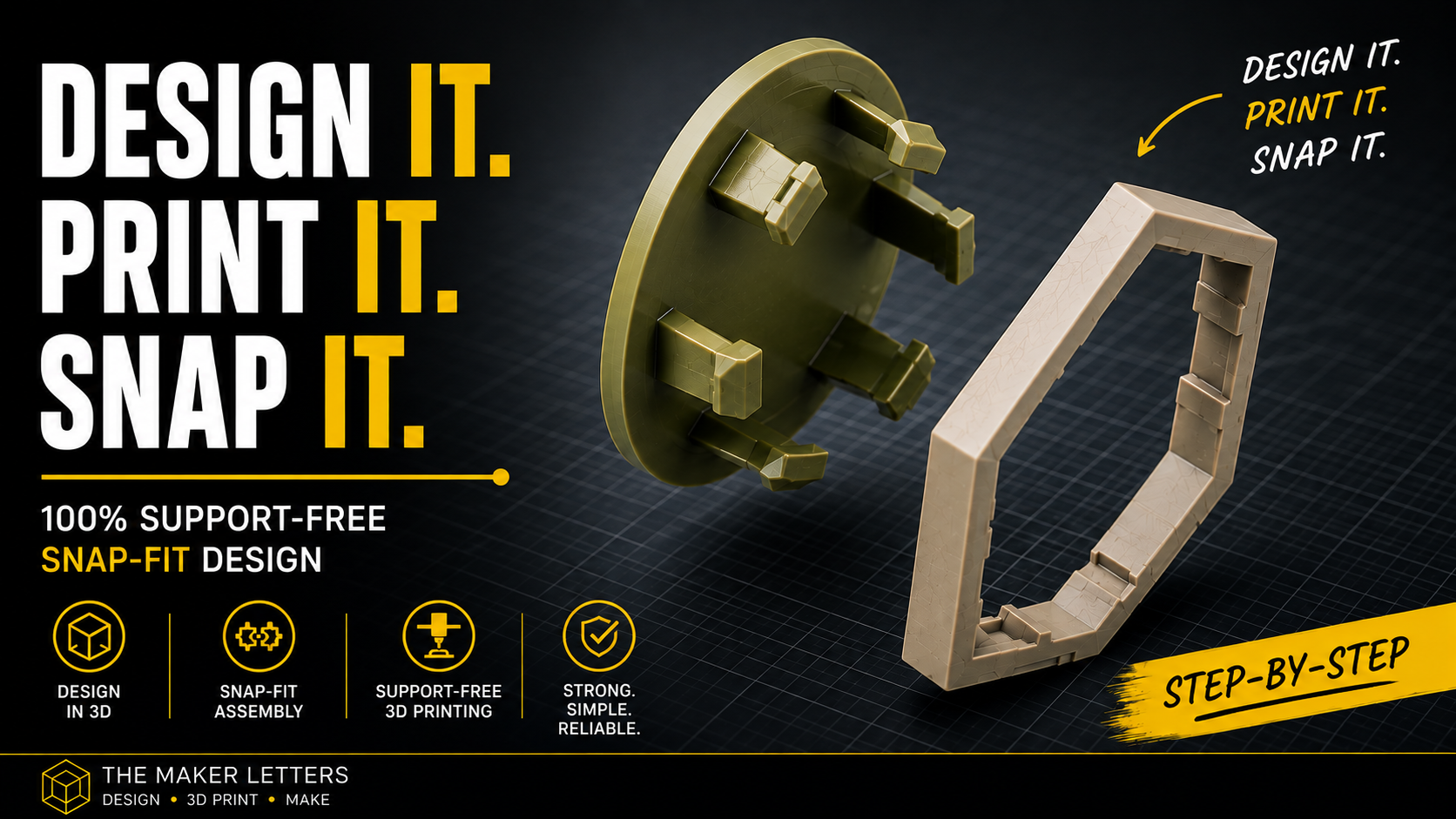
Learn how to design a reliable, support-free snap fit in Fusion (formerly Fusion 360) for 3D printing. This step-by-step tutorial covers surface and solid modeling, clearances, tapered locking features, circular patterns, STL export, and print preparation in Bambu Studio.
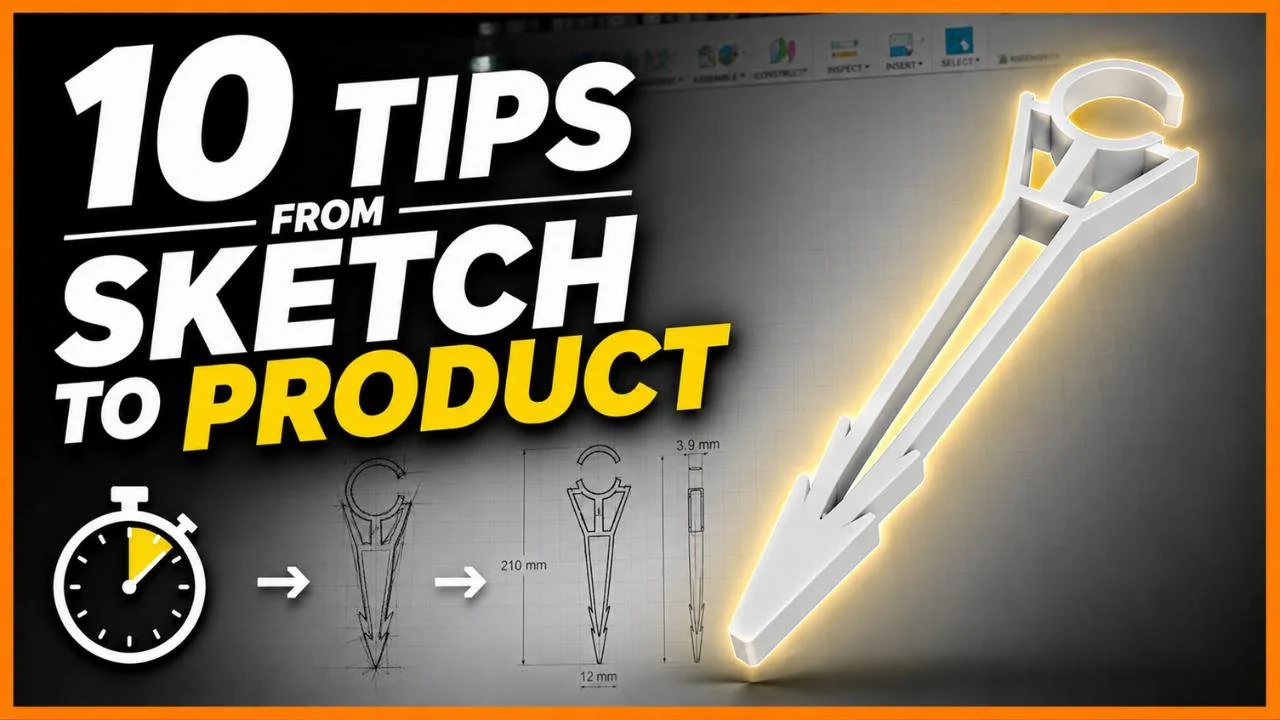
Learn how to go from sketch to product in Fusion with this practical 3D printing project. Follow ten design and manufacturing tips used to create a custom drip irrigation stake for 13 mm tubing, including AI concept sketches, canvas calibration, fillets, snap-fit design, lightweight cutouts, and print-bed optimization.
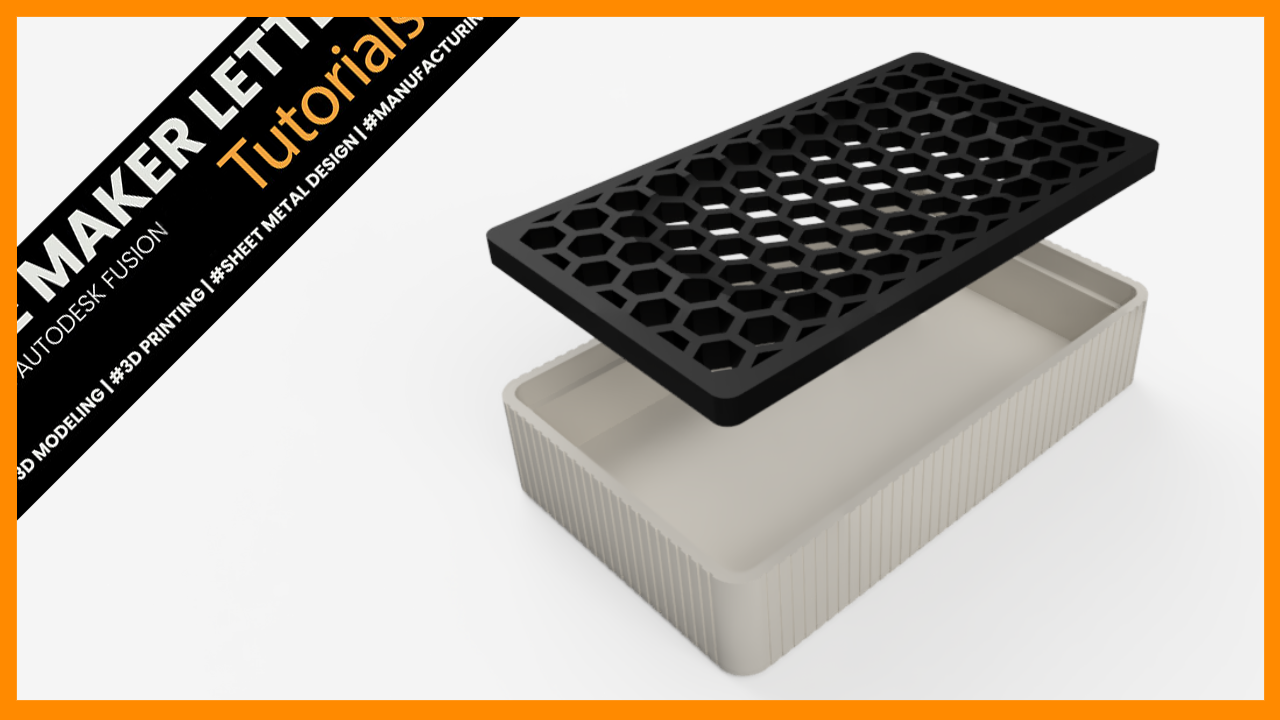
Design a modern soap holder in Fusion with a fast workflow optimized for 3D printing. Learn parametric sketching, honeycomb patterns, shell features, and Combine Cut techniques to create a clean, functional PETG or PLA print.
Popular Tutorials & Projects
Start with these community favorites — Fusion tutorials and 3D printing tests that makers return to again and again.
Learn how to create a fully parametric honeycomb pattern in Autodesk Fusion (formerly Fusion 360). This step-by-step tutorial covers body patterns, surface modeling, trimming, borders, and preparing the final design for 3D printing.
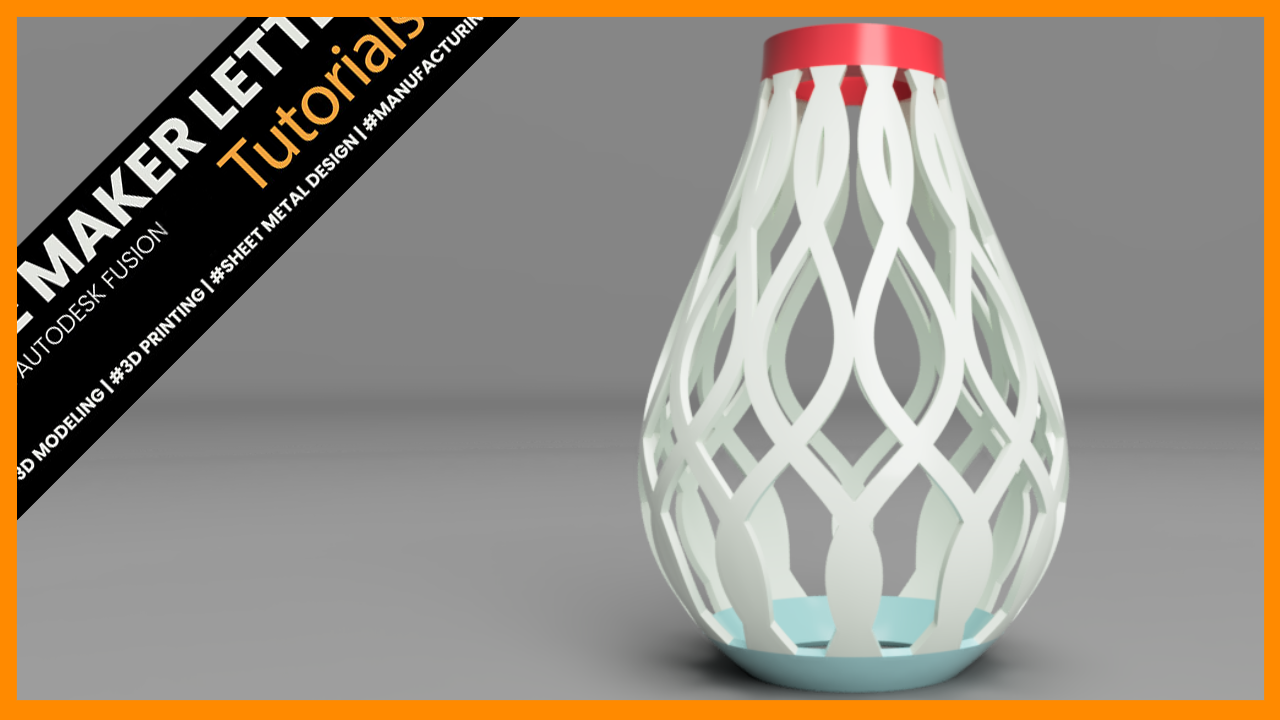
Design a customizable 3D printable lampshade in Fusion using splines, surface modeling, revolves, intersections, and circular patterns. This step-by-step tutorial demonstrates practical workflows for creating organic printable geometry with clean parametric control.
Create a clean, 3D-printable fan grille in Fusion using a repeatable honeycomb pattern, parametric sketches, and efficient modeling techniques for reliable results.
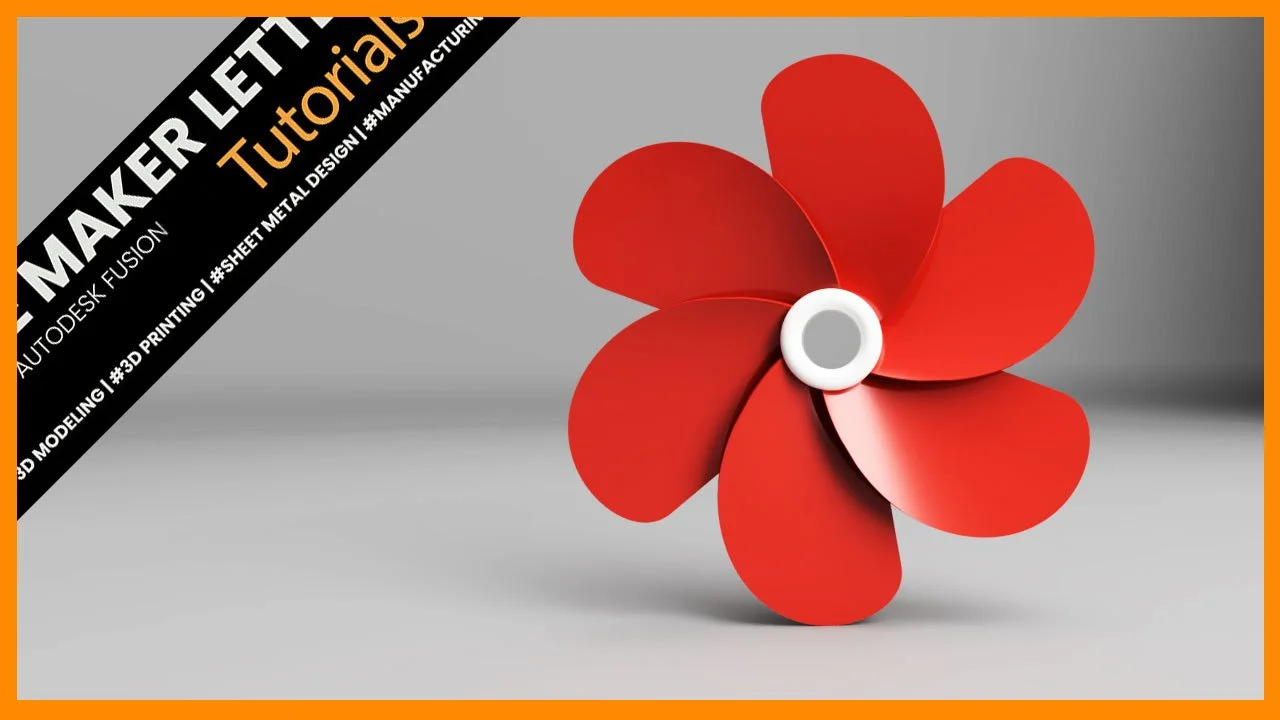
Create a simple propeller model in Fusion by combining surface and solid modeling tools. The workflow covers sketching the hub, shaping a blade with splines and lofts, converting surfaces into solids, and finishing the design with patterns and rendering.
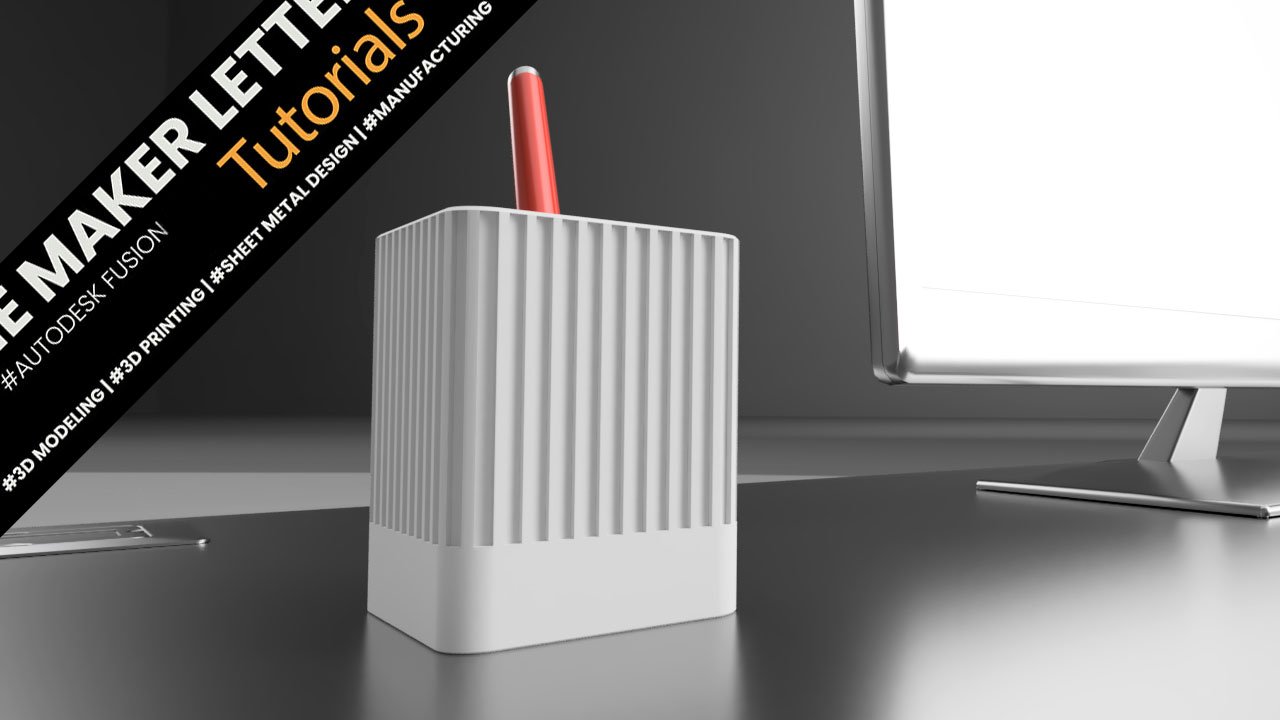
Autodesk Fusion Tutorial: Create an Industrial Design Pen Holder for 3D Printing
Featured Project
See how a simple sketch becomes a finished 3D model — designed entirely in Fusion. Watch the full process and pick up techniques you can use in your own projects.
Explore one of the most popular Fusion tutorials — a circular honeycomb design built entirely with surface modeling tools.
You’ll see how to create precise patterns, apply custom appearances, and use parametric fillets for a clean, detailed result.