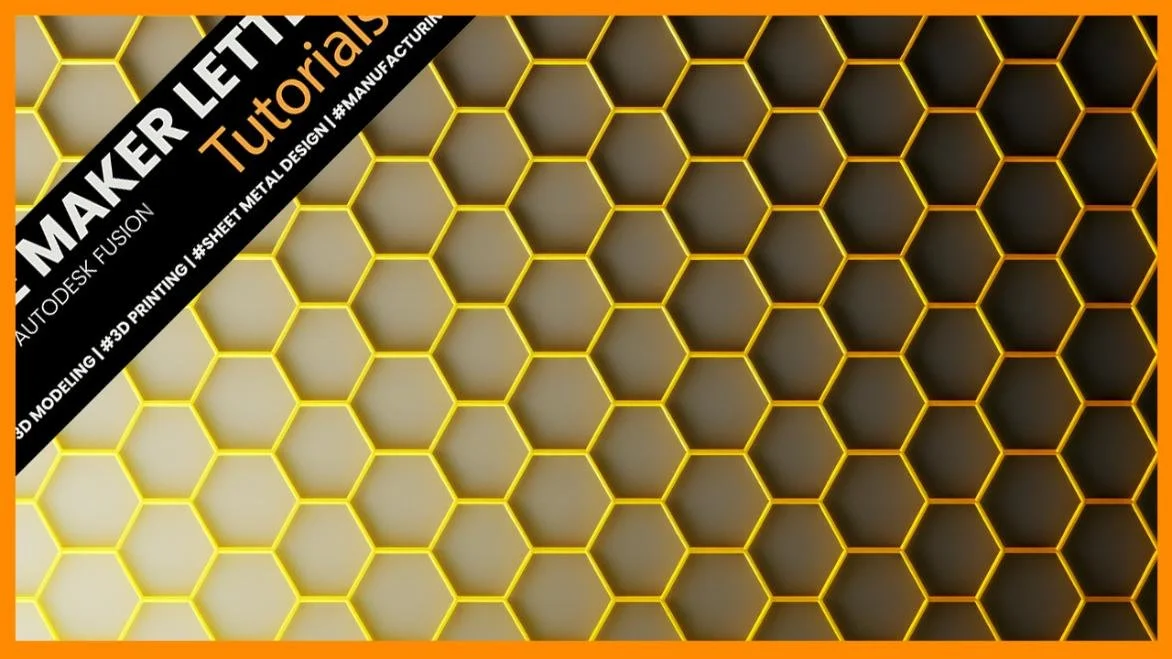
Faster Modeling in Fusion: Create a Parametric Honeycomb Pattern Step-by-Step
Learn how to model a clean, parametric honeycomb pattern in Fusion — fast, aligned, and ready for 3D printing.
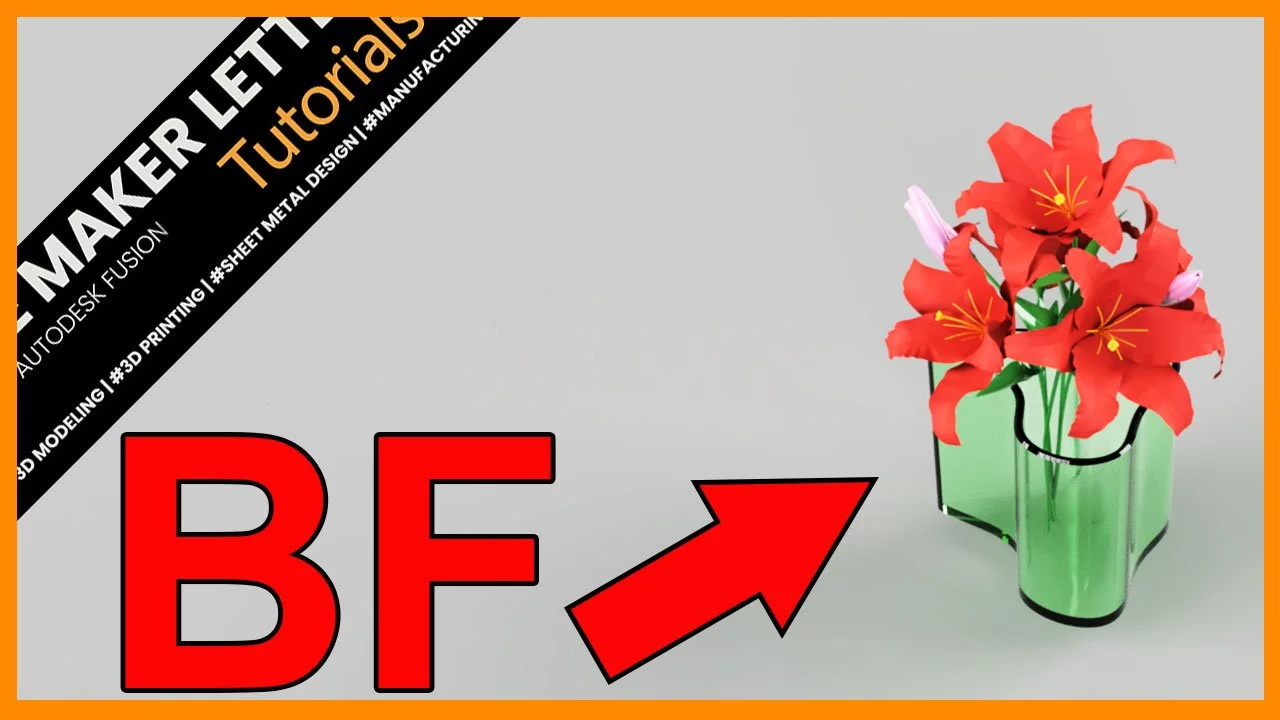
Mastering Boundary Fill in Fusion: Blend Surface and Solid Modeling Like a Pro
Discover how to blend surface and solid modeling in Autodesk Fusion using the Boundary Fill tool. This step-by-step tutorial shows how to turn complex surface intersections into clean, editable solid bodies — ideal for advanced design and 3D printing workflows.
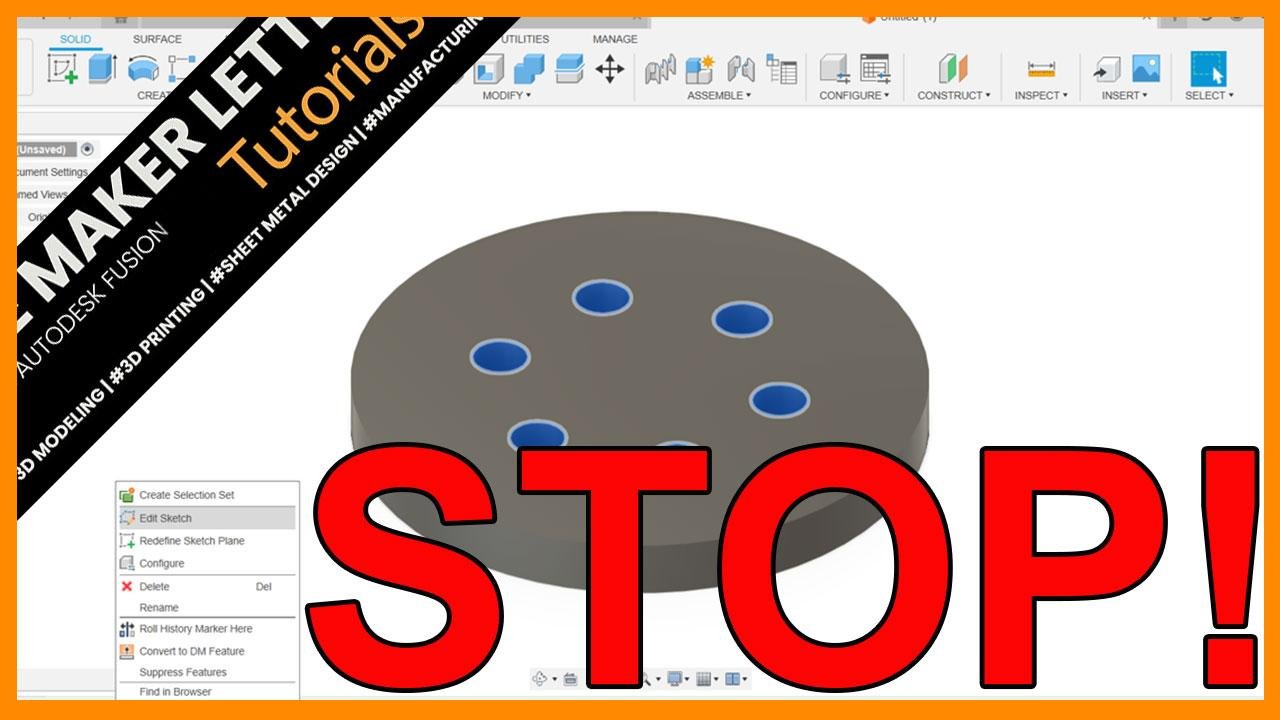
Why Creating Patterns in the Solid Modeling Workspace is Better in Autodesk Fusion
Many Fusion users waste time creating patterns in sketches. Discover why switching to the solid modeling workspace makes your designs faster, cleaner, and easier to edit.
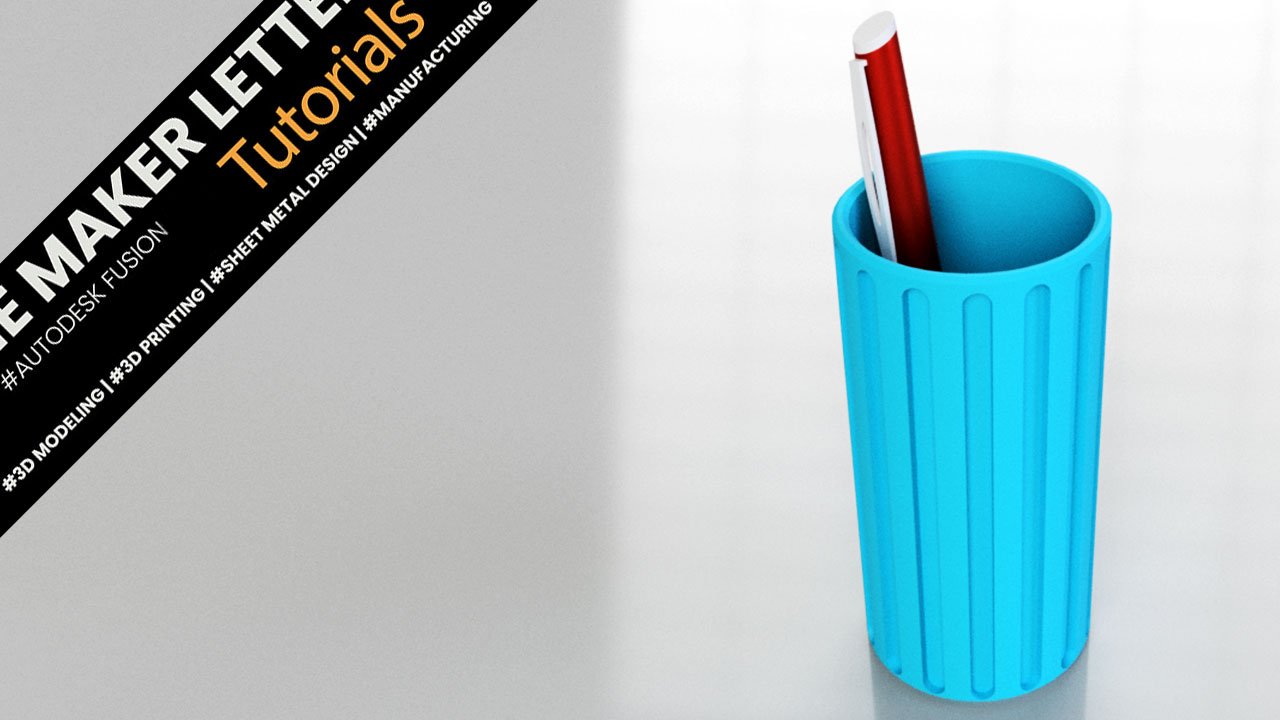
Fusion Project for Students | Pen Holder
Learn how to create your own 3D printable pen holder with this step-by-step guide using Autodesk Fusion (formerly known as Fusion 360).