Honeycomb Coaster Set – 3D Printable Coaster & Holder | Modern Geometric Design (STL + 3MF Files)

$2.00

3D model description

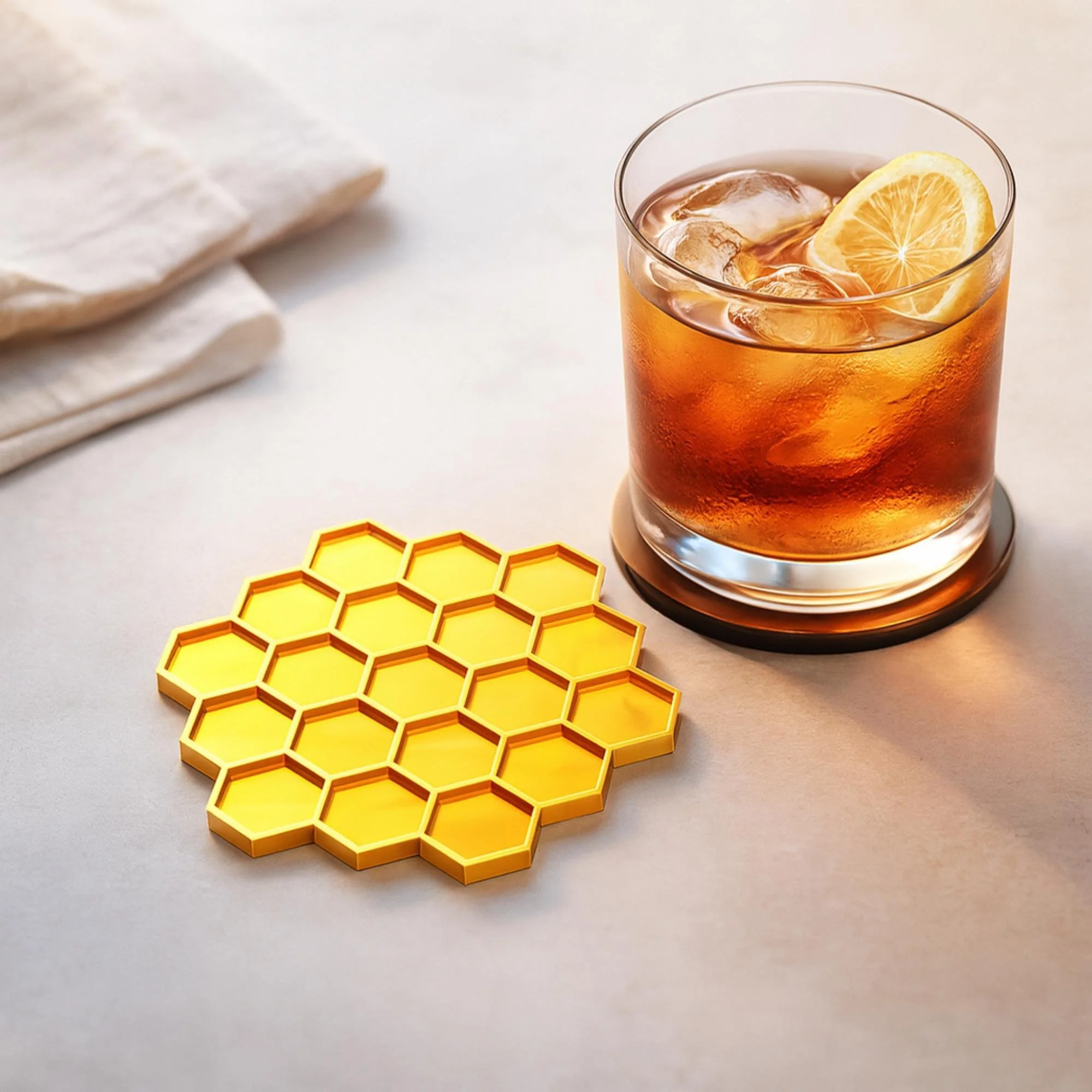
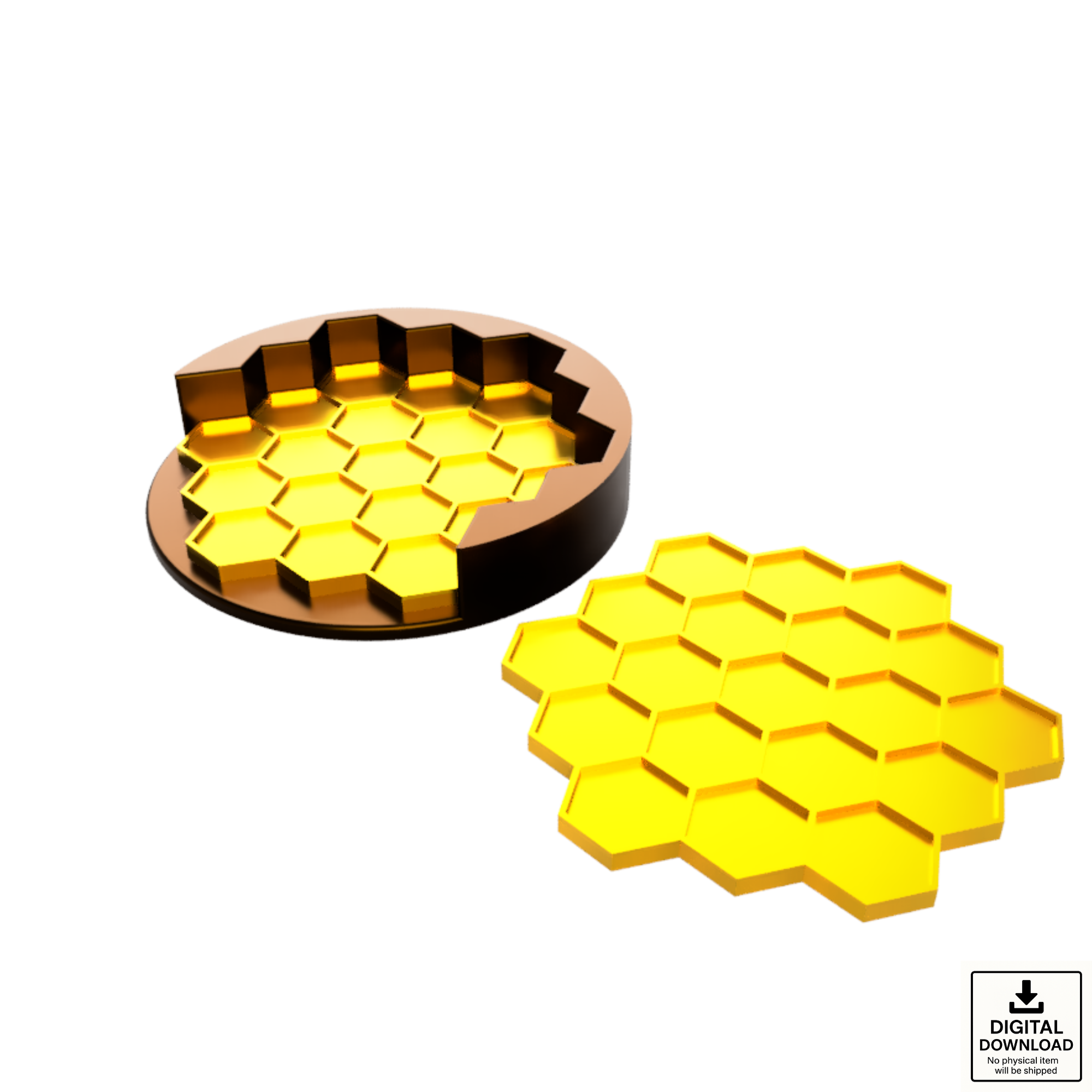
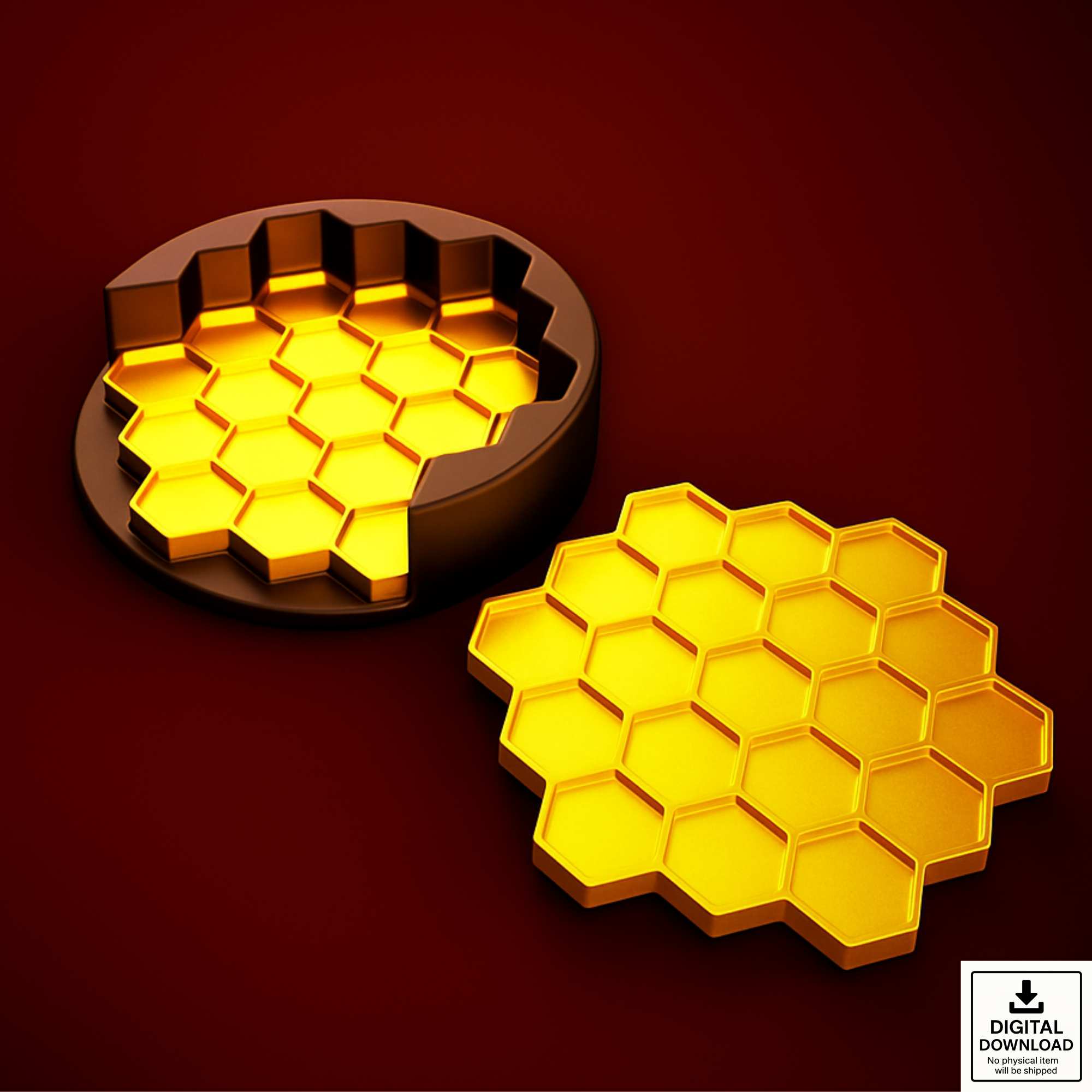
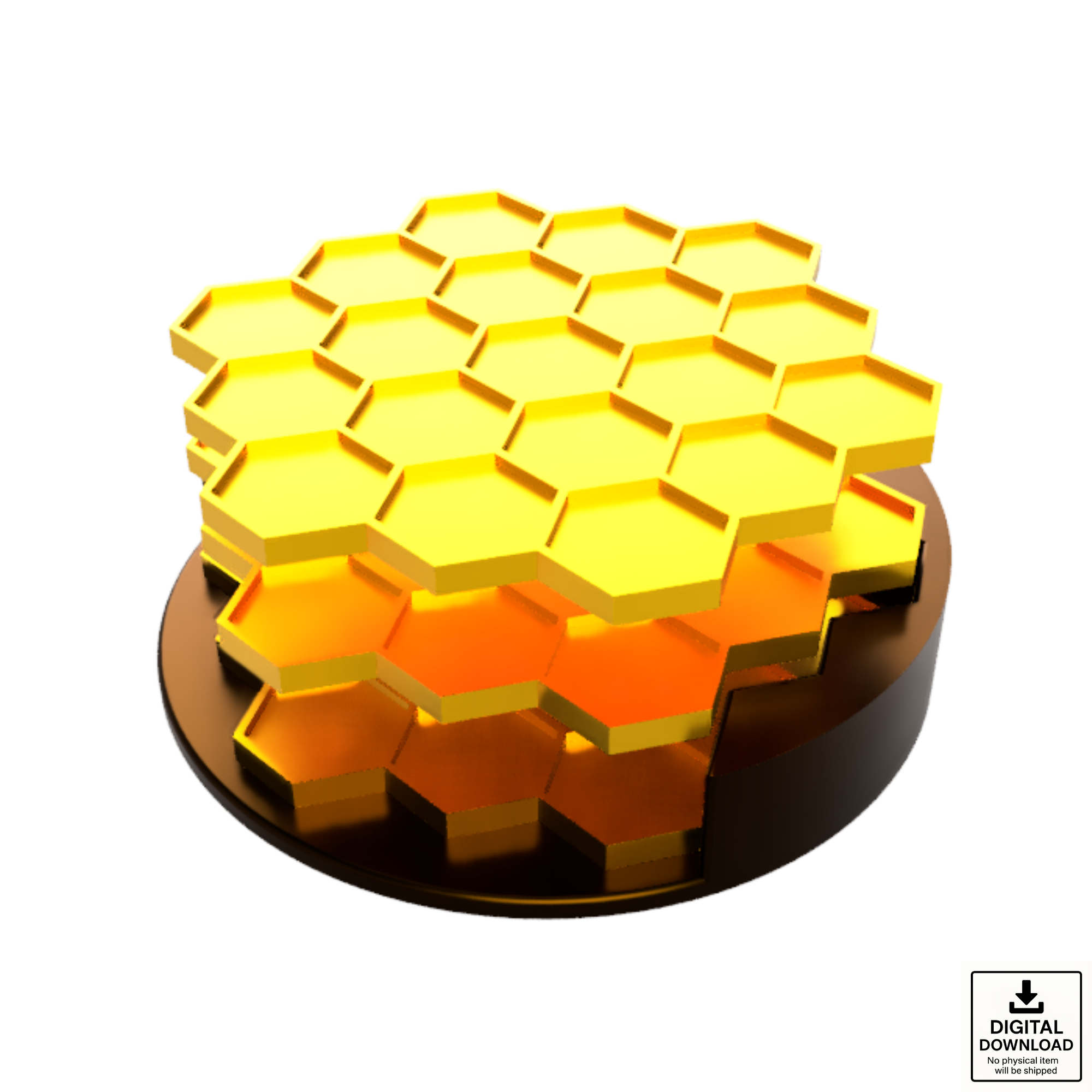
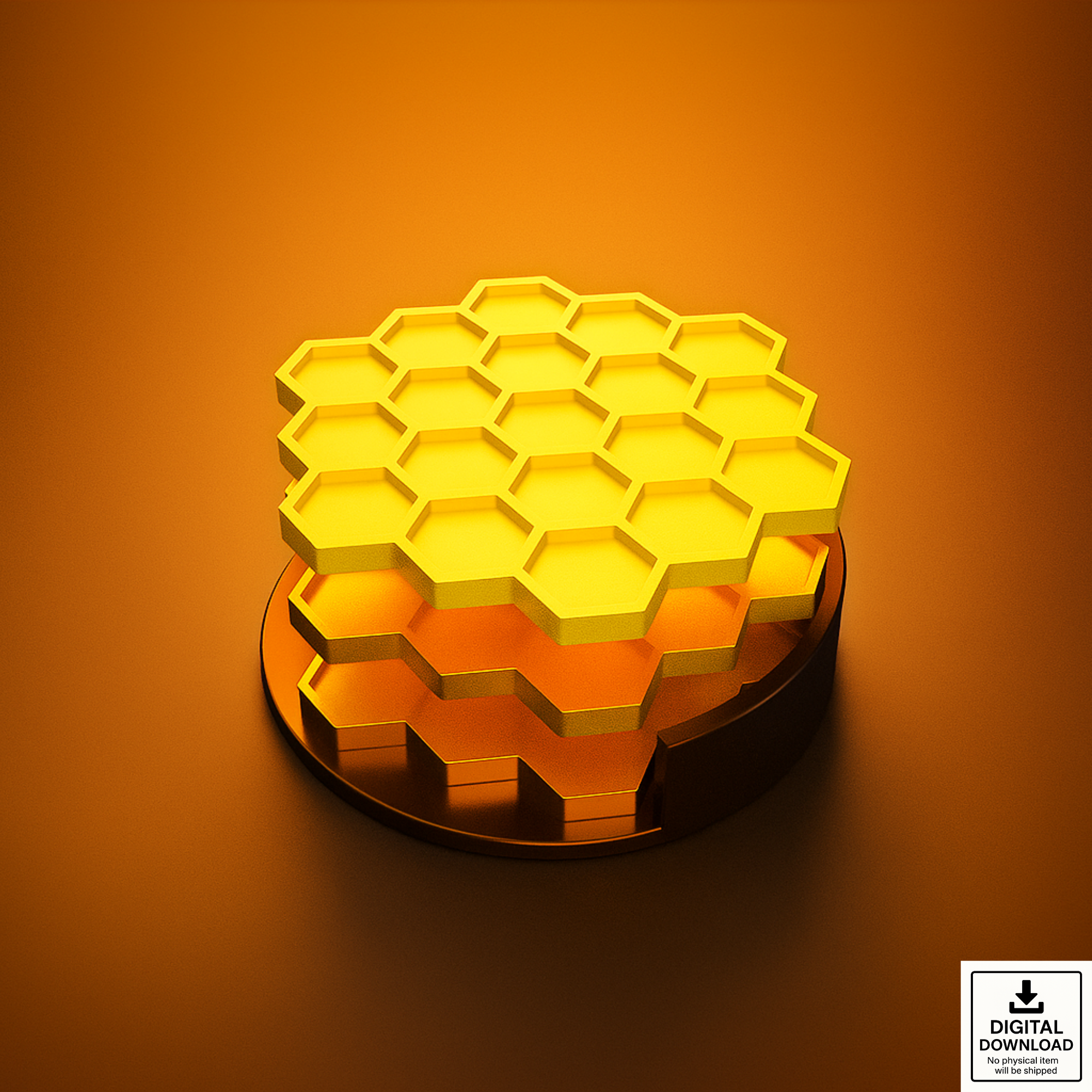
Add a modern, geometric touch to your home with this Honeycomb Coaster Set — a clean, functional design inspired by nature’s most efficient structure.

This 3D-printable set has been fully test-printed and is optimized for PLA and common filaments.
It’s designed for single-color or multi-color 3D printers, featuring a high-contrast honeycomb pattern that looks great with filament swaps or artistic color transitions.
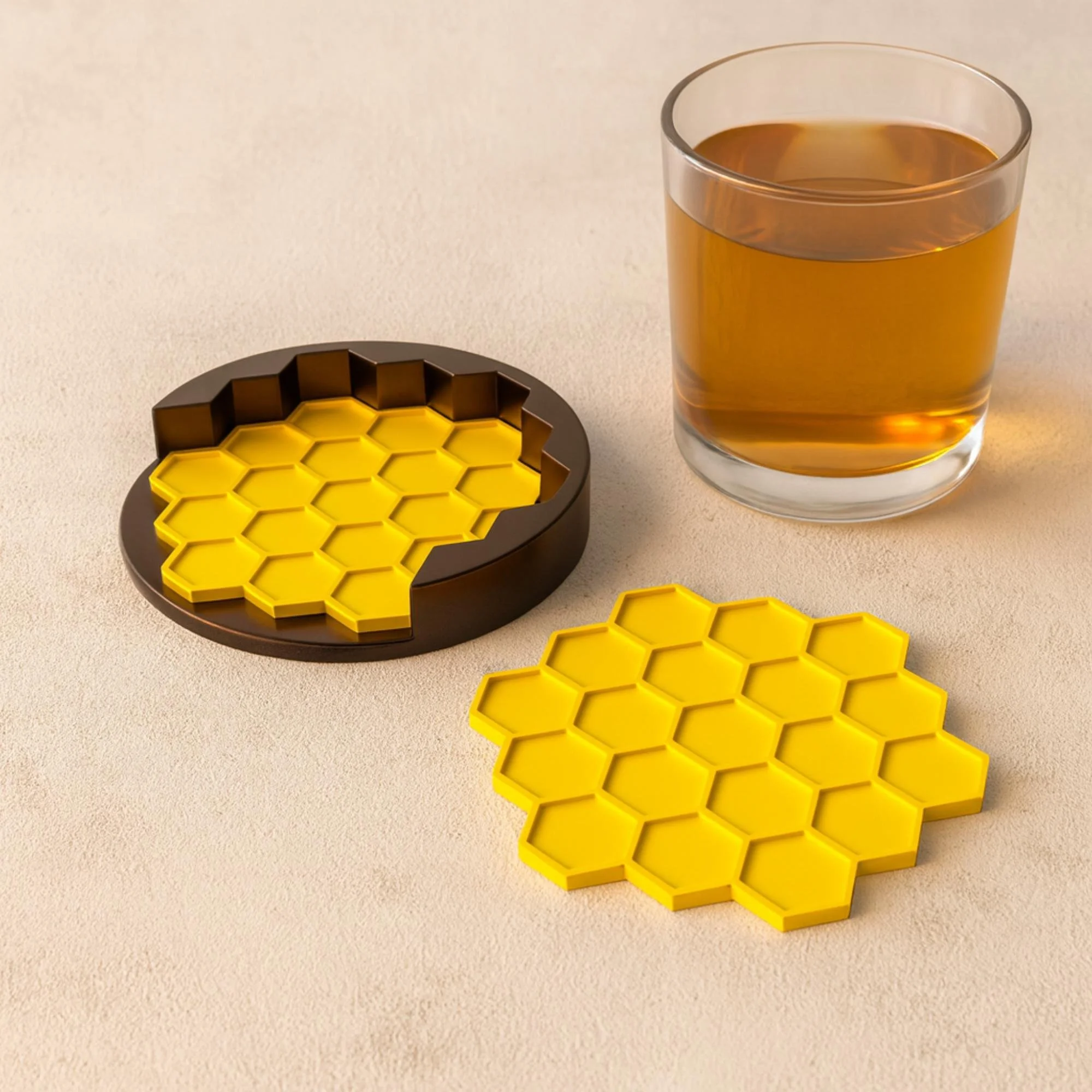
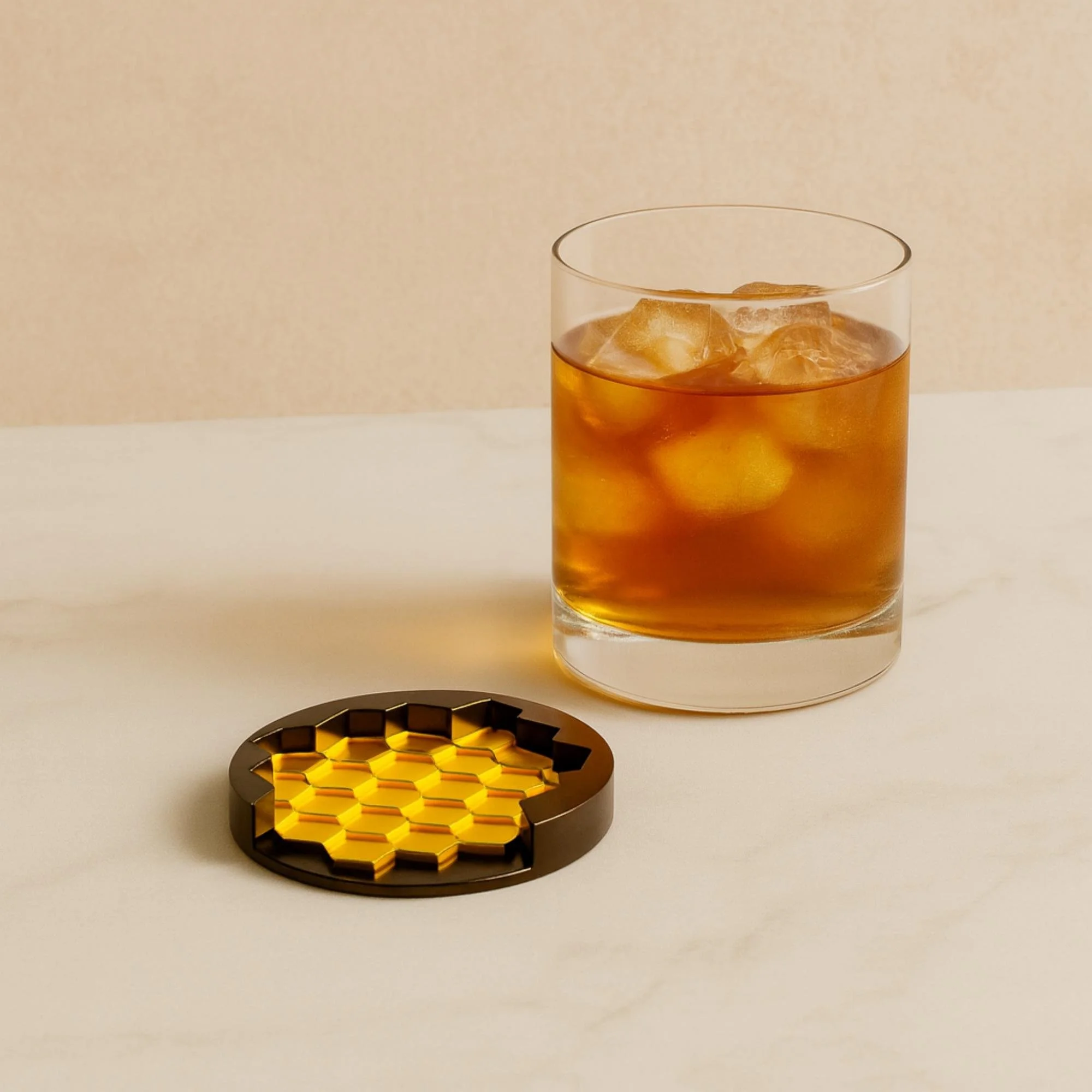
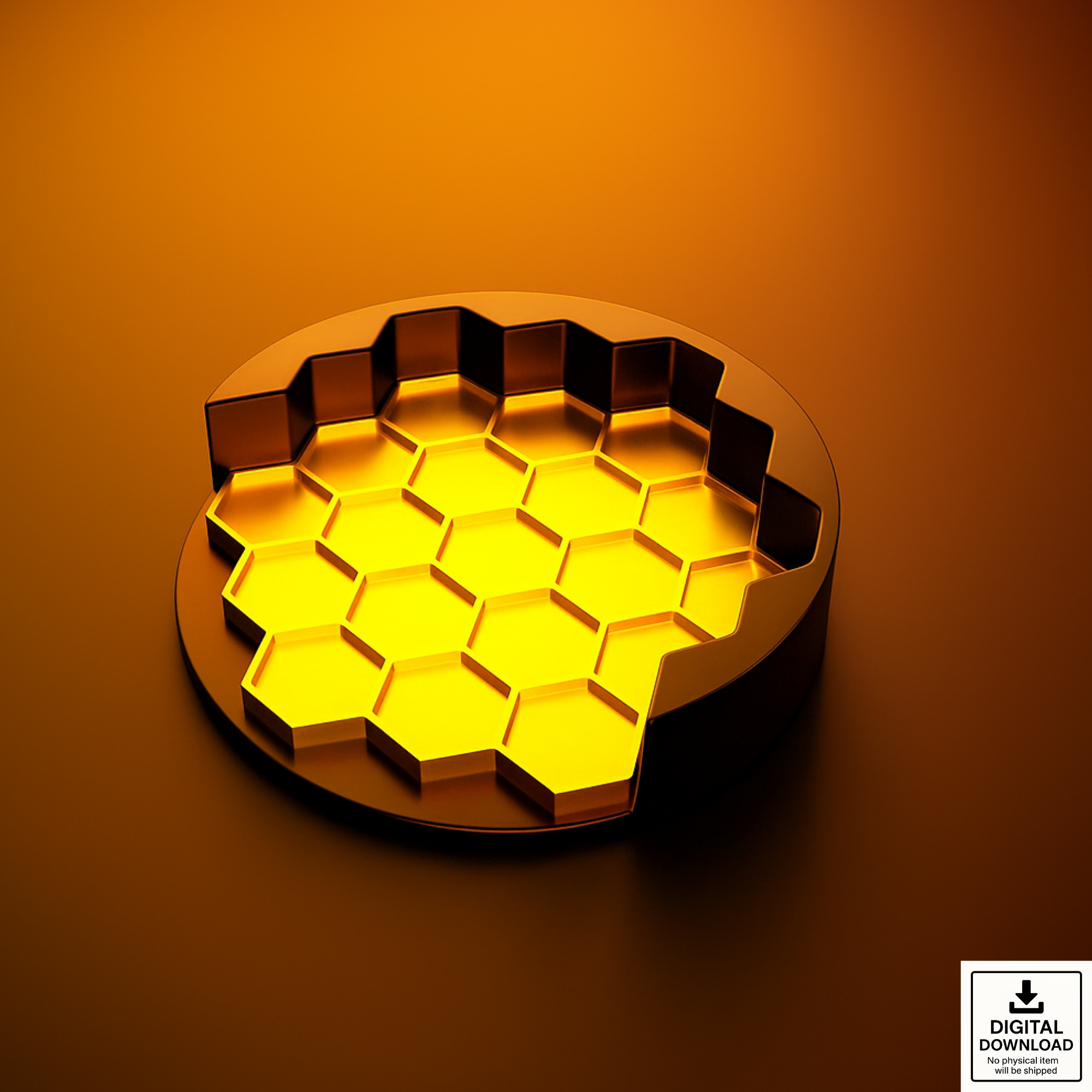
The coaster and holder are each provided as separate solid bodies for easy printing and scaling.

✅ What you get

– Coaster Design (STL + 3MF files) — separate files for the coaster and the coaster holder
– Coaster diameter: approximately 100 mm (varies slightly due to the honeycomb shape)
– Holder diameter: 105 mm
– Coaster height: 4 mm, holder height: 20 mm
– Easy to scale in your slicer for custom sizes
– All designs have been test-printed for clean results and perfect fit

🖨️ Compatible with

– PrusaSlicer, Cura, Bambu Studio, OrcaSlicer, and more
– All FDM 3D printers (Prusa, Bambu Lab, Creality, etc.)

📜 License

You may sell physical 3D prints made from these files.
Do not redistribute, resell, or share the digital files.

🧾 Note:

This is a digital download only – no physical item will be shipped.

Perfect for makers, 3D printing enthusiasts, and small businesses who want to add a clean, geometric accent to their coaster collections.

3D printing settings

– Optimized for 0.4 mm nozzle and standard layer heights

3D model description

Add a modern, geometric touch to your home with this Honeycomb Coaster Set — a clean, functional design inspired by nature’s most efficient structure.

This 3D-printable set has been fully test-printed and is optimized for PLA and common filaments.
It’s designed for single-color or multi-color 3D printers, featuring a high-contrast honeycomb pattern that looks great with filament swaps or artistic color transitions.
The coaster and holder are each provided as separate solid bodies for easy printing and scaling.

✅ What you get

– Coaster Design (STL + 3MF files) — separate files for the coaster and the coaster holder
– Coaster diameter: approximately 100 mm (varies slightly due to the honeycomb shape)
– Holder diameter: 105 mm
– Coaster height: 4 mm, holder height: 20 mm
– Easy to scale in your slicer for custom sizes
– All designs have been test-printed for clean results and perfect fit

🖨️ Compatible with

– PrusaSlicer, Cura, Bambu Studio, OrcaSlicer, and more
– All FDM 3D printers (Prusa, Bambu Lab, Creality, etc.)

📜 License

You may sell physical 3D prints made from these files.
Do not redistribute, resell, or share the digital files.

🧾 Note:

This is a digital download only – no physical item will be shipped.

Perfect for makers, 3D printing enthusiasts, and small businesses who want to add a clean, geometric accent to their coaster collections.

3D printing settings

– Optimized for 0.4 mm nozzle and standard layer heights

🐝 Learn More & See It in Action

📘 Read the Step-by-Step Blog Guide

If you’ve ever wanted to model and 3D print your own honeycomb-patterned coasters, this guide walks you through every step — from sketching in Fusion to slicing for print. You’ll learn how to organize components, build clean patterns, and prepare your model for platforms like Etsy and Cults3D.

What you’ll learn:

  • Setting up a parametric coaster workflow in Fusion
  • Building the honeycomb pattern with rectangular pattern tools
  • Combining and shelling for a lightweight, printable design
  • Creating a matching coaster holder
  • Exporting STL and 3MF files ready for slicing and printing

📖 Read the full walkthrough on The Maker Letters
for modeling insights, pattern logic, and design notes from The Maker Letters workspace.


🎥 Watch the Fusion Walkthrough

See how to design and 3D print the complete Honeycomb Coaster Set in Fusion.
This tutorial includes tips for building clean parametric geometry, creating repeating patterns, and preparing your design for single- or multi-color printing.

🐝 Watch the full video below to follow along step by step.

Learn how to design a Honeycomb Coaster Set in Autodesk Fusion.
This tutorial walks through building the honeycomb pattern, organizing components, and creating a matching holder — all with clean, parametric geometry.