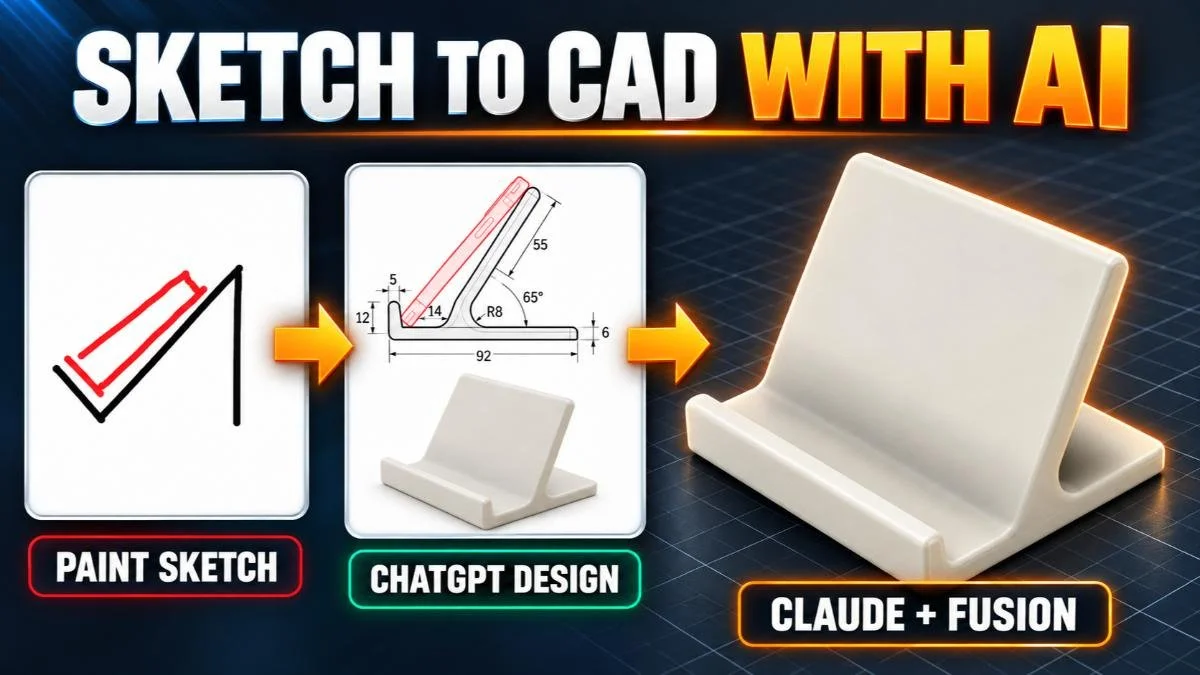
Designing a 3D-Printed Phone Stand with ChatGPT, Claude, and Autodesk Fusion
Design a 3D-printable phone stand in Fusion with help from ChatGPT and Claude. Learn how clearer dimensions, better design inputs, and defined AI responsibilities can improve an AI-assisted CAD workflow.
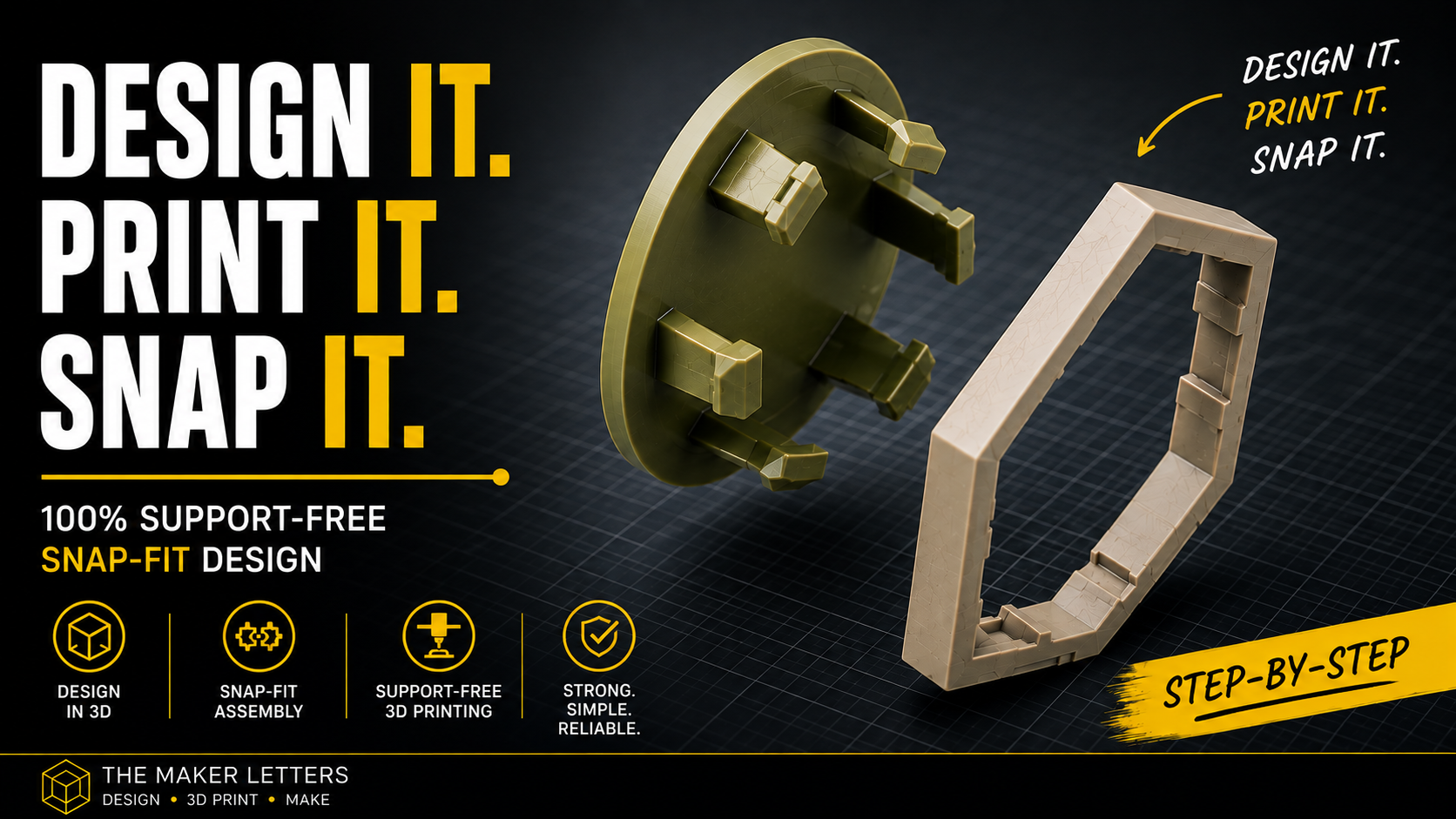
Design a Parametric Snap Fit in Fusion (formerly Fusion 360) for 3D Printing
Learn how to design a reliable, support-free snap fit in Fusion (formerly Fusion 360) for 3D printing. This step-by-step tutorial covers surface and solid modeling, clearances, tapered locking features, circular patterns, STL export, and print preparation in Bambu Studio.
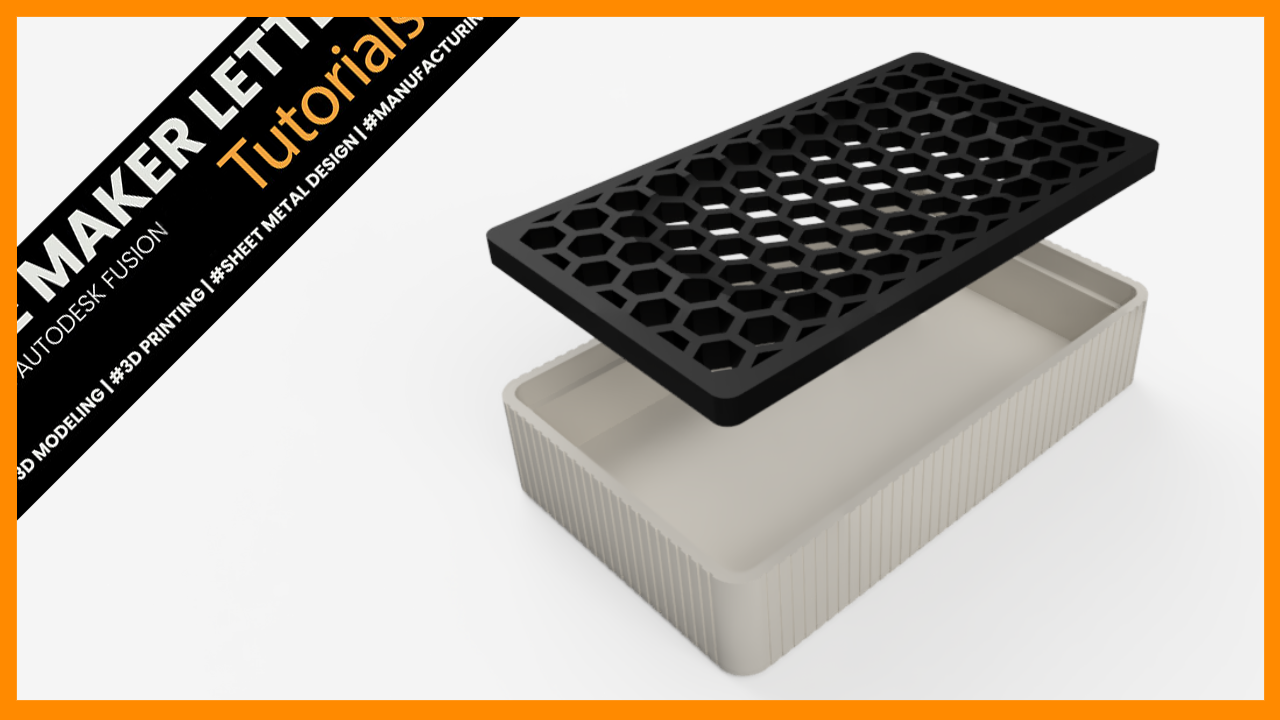
Design a Soap Holder STL That Can Sell Online | Fusion + 3D Printing
Design a modern soap holder in Fusion with a fast workflow optimized for 3D printing. Learn parametric sketching, honeycomb patterns, shell features, and Combine Cut techniques to create a clean, functional PETG or PLA print.

How to Design 3D-Printed Leaf Coasters in Fusion and Slice Them in PrusaSlicer
Design a set of leaf coasters in Fusion using a size reference, imported SVG artwork, and features at different heights. Then export the models and prepare them for single or multicolor 3D printing in PrusaSlicer.
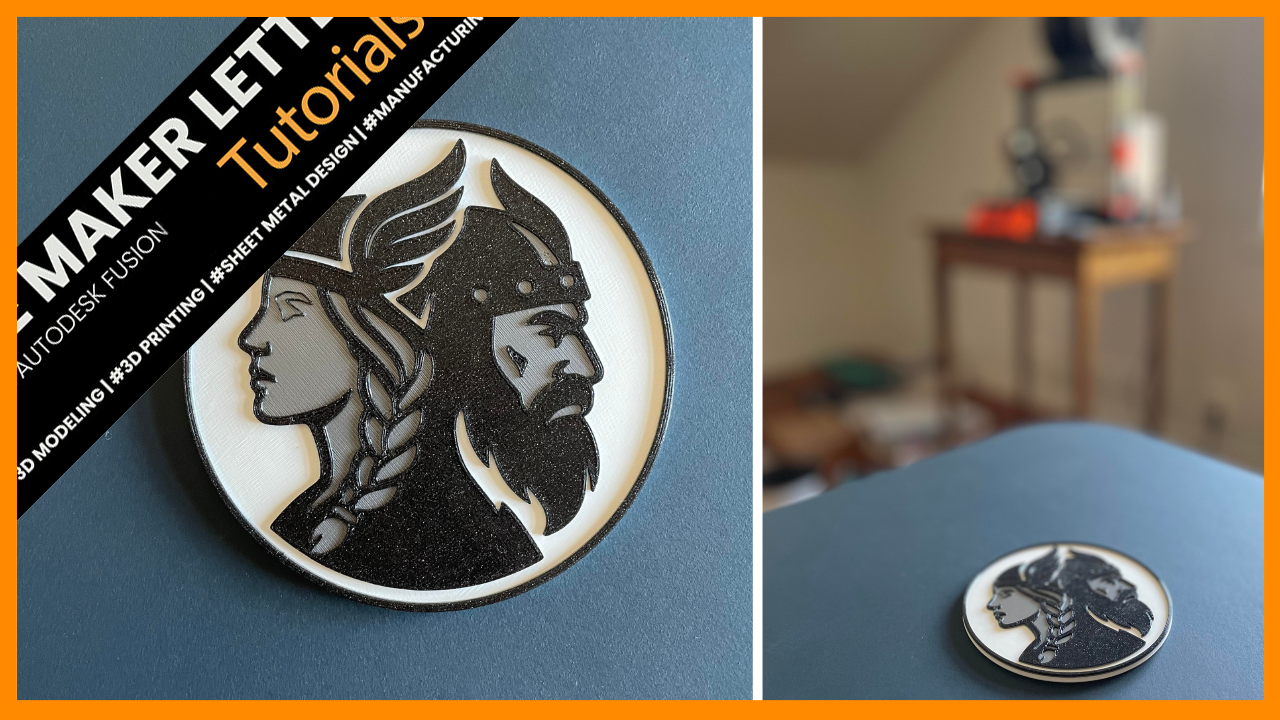
5 Fusion Tips for Designing Multi-Color Viking Coasters for 3D Printing
Design six Viking-inspired coasters in Fusion while learning how a linked master file, derived geometry, and separate color bodies can streamline single-color and multicolor 3D printing.

How to Design and 3D Print a Voronoi Coaster in Autodesk Fusion
Design a 3D-printable Voronoi coaster in Fusion and learn how to create its organic cellular pattern, refine the model, export the STL, and prepare it for printing.
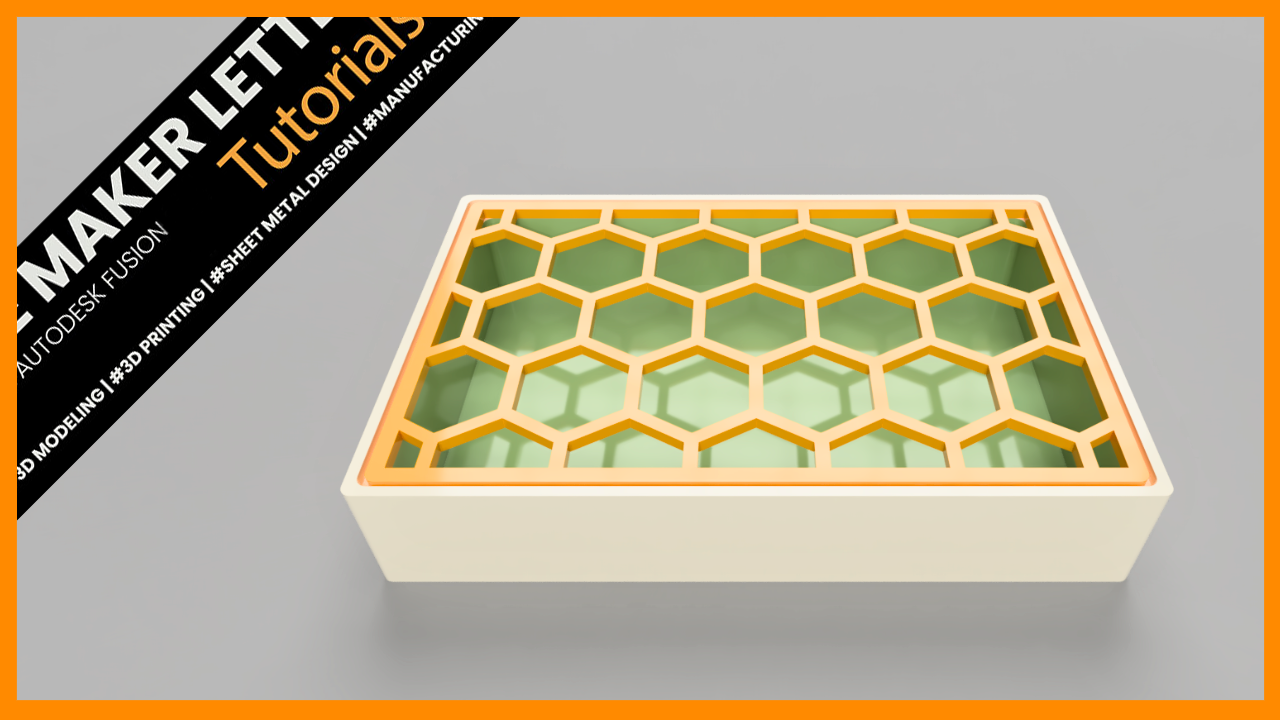
How to Design a 3D Printed Honeycomb Soap Holder in Autodesk Fusion
Design a 3D-printable honeycomb soap holder in Fusion while learning how to create repeated hexagonal geometry, control dimensions, add drainage, and prepare the model for reliable printing.
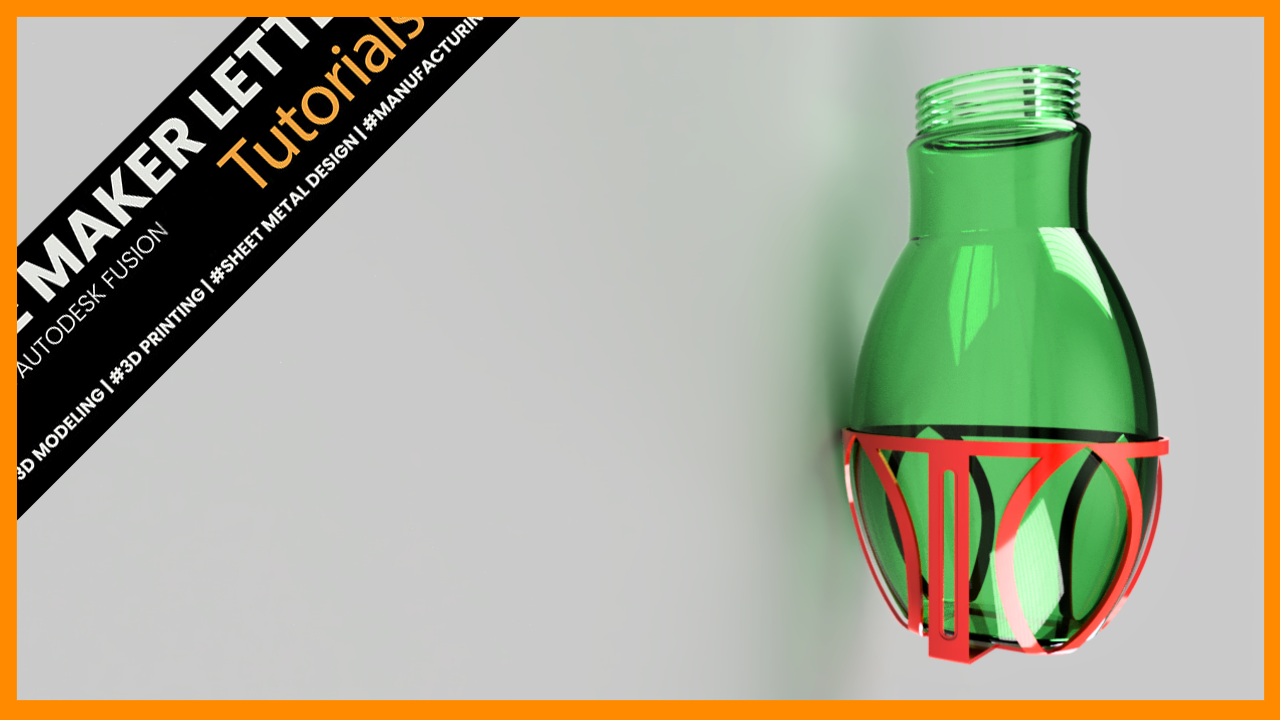
How to Design a Custom Bottle Holder in Autodesk Fusion for 3D Printing
Design a custom bottle holder in Autodesk Fusion (formerly Fusion 360) using a practical top-down modeling workflow. Learn surface offsets, splines, projected geometry, mirroring, tangent planes, mounting slots, and parametric techniques for creating a functional 3D-printable prototype.

How to Create a Honeycomb Pattern in Fusion: A Step-by-Step Guide
Learn how to create a fully parametric honeycomb pattern in Autodesk Fusion (formerly Fusion 360). This step-by-step tutorial covers body patterns, surface modeling, trimming, borders, and preparing the final design for 3D printing.

How to Design a Twisted 3D Printed Vase in Autodesk Fusion (formerly Fusion 360)
Learn how to create an organic 3D printable vase in Autodesk Fusion (formerly Fusion 360) using surface and solid modeling techniques. This beginner-friendly tutorial covers splines, surface thickening, embossing, circular patterns, fillets, and finishing touches to build a clean parametric model ready for 3D printing.
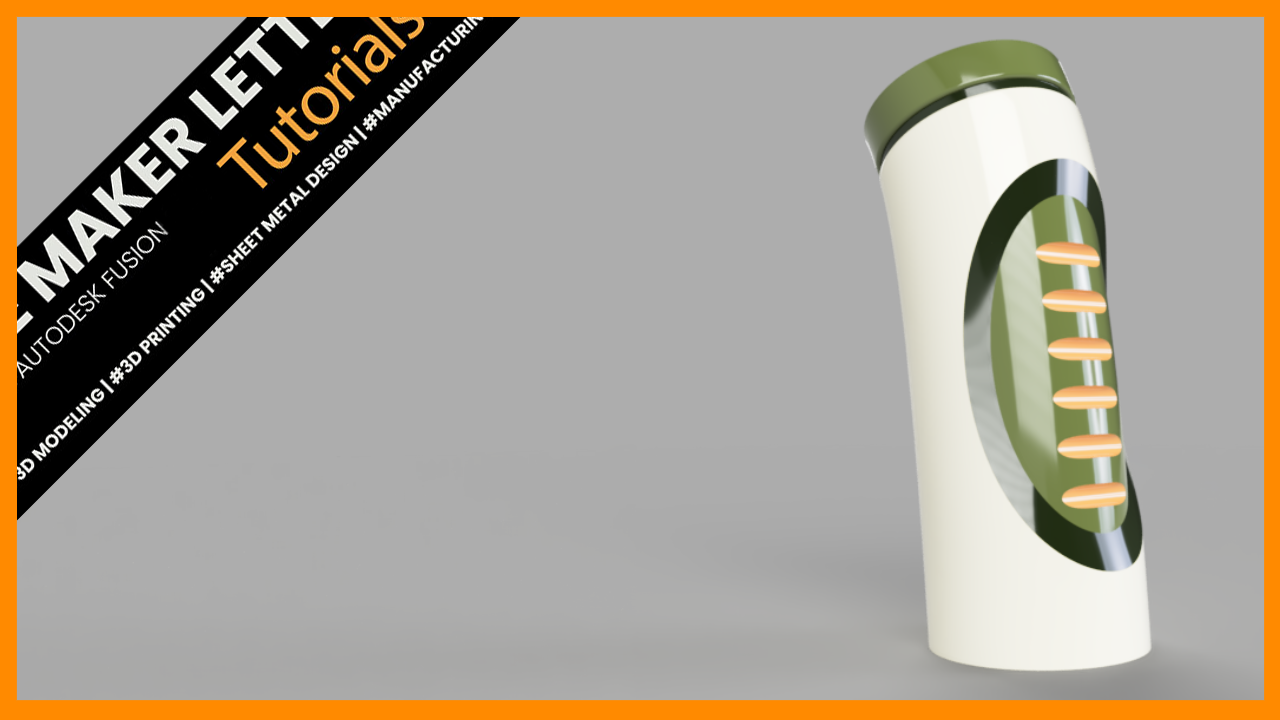
How to Model a Bottle Prototype in Fusion: A Step-by-Step Surface Modeling Guide
Learn how to design a realistic bottle in Autodesk Fusion (formerly Fusion 360) using a professional surface modeling workflow. This step-by-step tutorial covers Sweep, Split Face, Loft, Patch, Stitch, and Pattern on Path while explaining the modeling decisions that lead to clean, parametric, and 3D-printable geometry.

How to Model a Precise Mechanical Part in Fusion Using Sketch Constraints and Parametric Design
Learn how to design a fully parametric mechanical linkage in Autodesk Fusion (formerly Fusion 360) using sketch constraints, tangent geometry, mirrored features, extrusions, and engineering drawings. This step-by-step tutorial covers the complete workflow from sketch to finished drawing while demonstrating best practices for creating robust, editable CAD models.
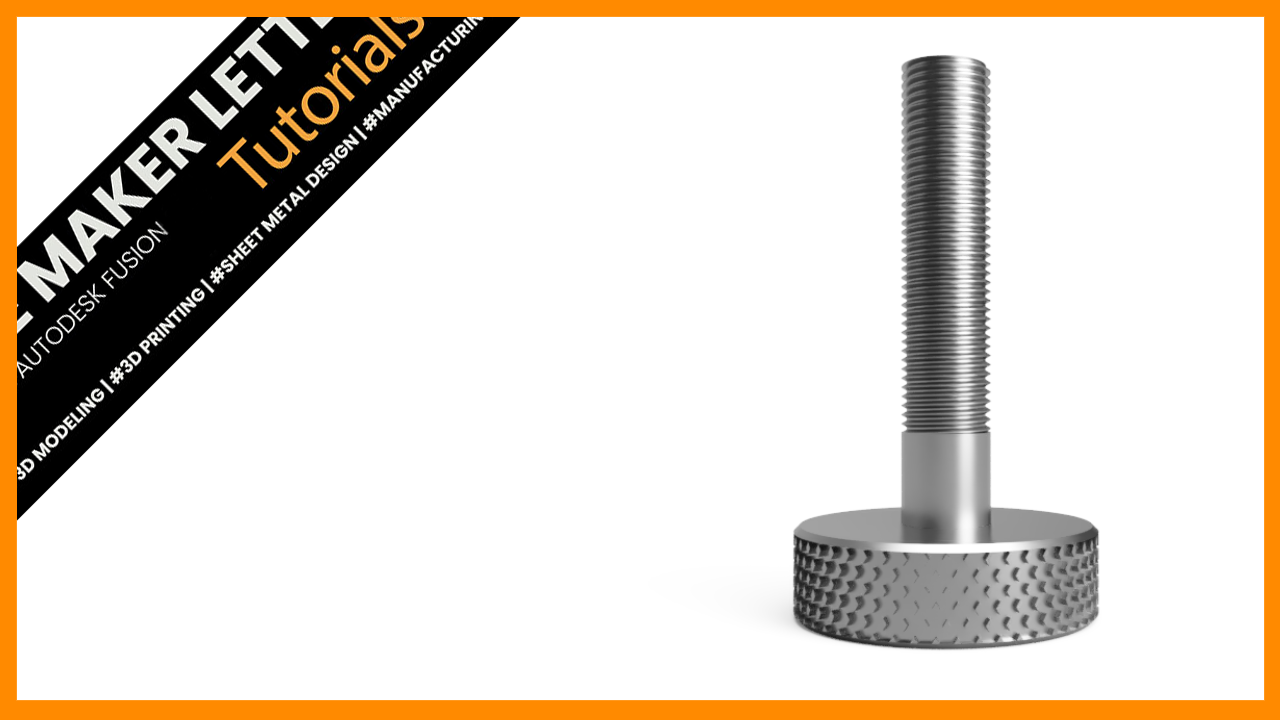
Create a Knurled Bolt in Fusion Using Emboss and Drawings
Learn how to create a knurled bolt in Fusion using emboss, circular patterns, modeled threads, and technical drawings. A practical workflow for mechanical CAD and 3D printable designs.
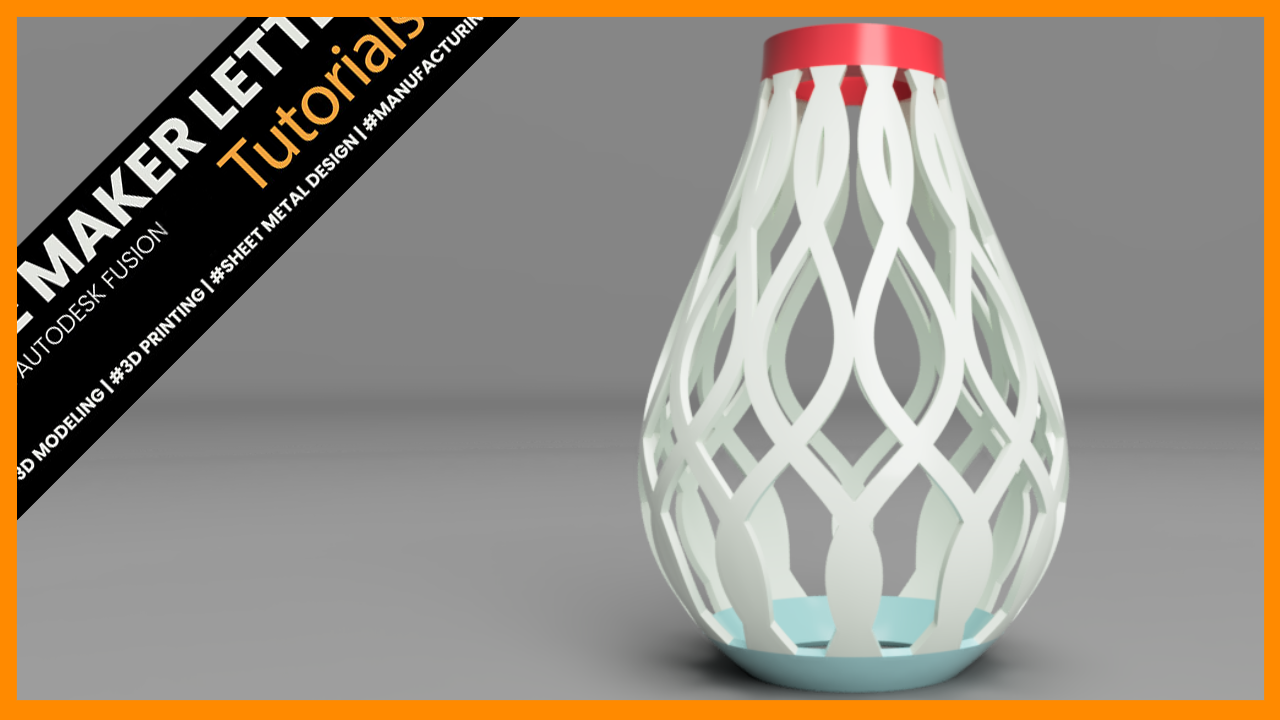
How to Design a 3D-Printable Lampshade Using Fusion (Formerly Fusion 360)
Design a customizable 3D printable lampshade in Fusion using splines, surface modeling, revolves, intersections, and circular patterns. This step-by-step tutorial demonstrates practical workflows for creating organic printable geometry with clean parametric control.

Design a Fidget Cone in Fusion for 3D Printing
Twisted cone vase built in Fusion using a controlled mix of surface and solid modeling. A helical sweep defines the spiral cutouts, then stitch and thicken convert the geometry into a clean, 3D-printable solid.
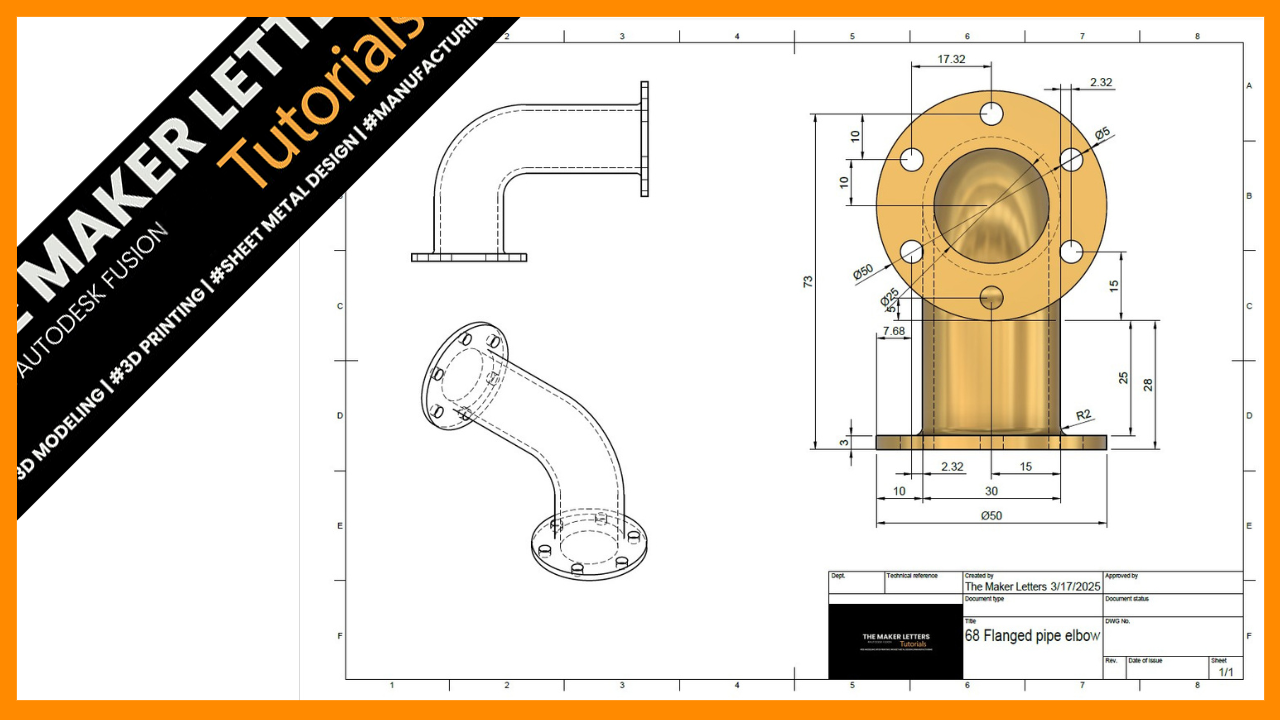
Efficient Workflow for Creating a Flanged Pipe Elbow in Fusion (Formerly Fusion 360) – Step-by-Step Tutorial
Design and document a flanged pipe elbow in Fusion using a clean, efficient workflow. Build the geometry, refine it with fillets and appearance, then create a fully dimensioned technical drawing ready for export and manufacturing.
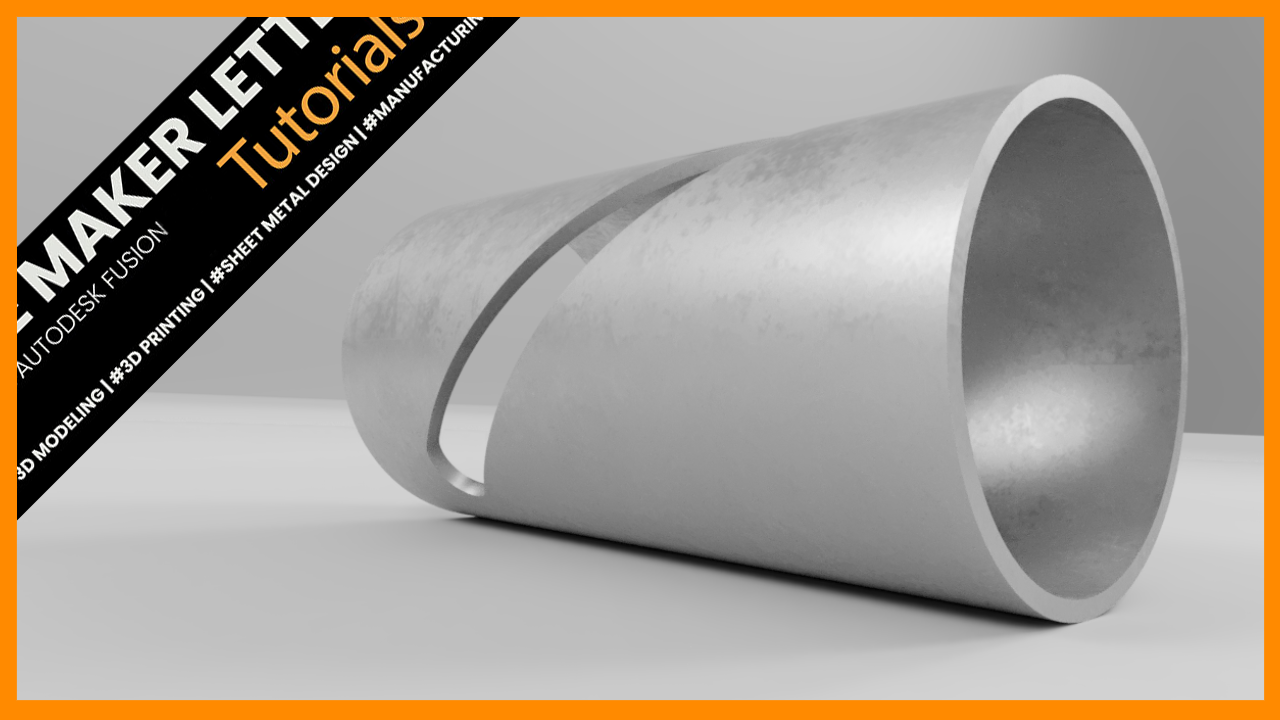
How to Add a Deboss Effect to a Cylinder in Autodesk Fusion (Formerly Fusion 360)
Learn how to create a clean deboss effect on a curved surface in Fusion using Thin Extrude and Emboss. This tutorial covers efficient sketching, feature control, and a fast workflow for engraving precise details on a cylindrical model.
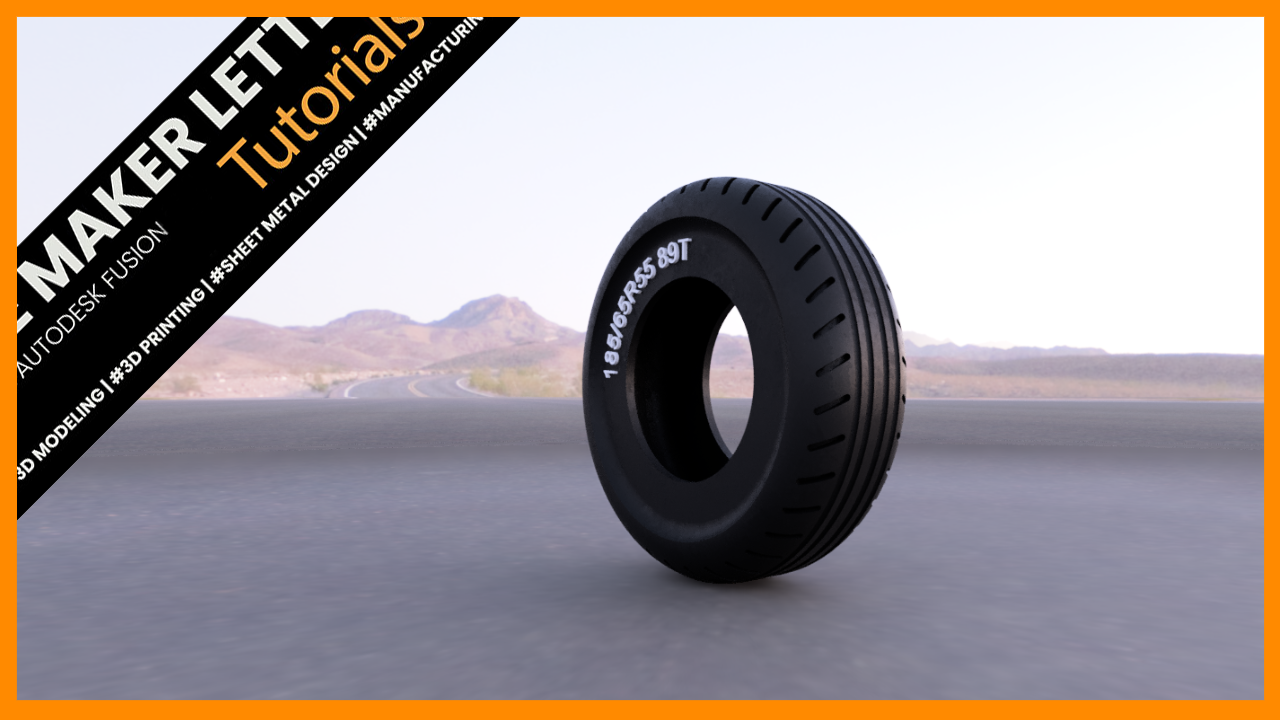
How to Model a Tire in Fusion Using Surface and Solid Workflows
Model a fully parametric tire in Fusion using revolve, fillets, and pattern workflows. Build clean tread geometry and a flexible design ready for 3D printing.
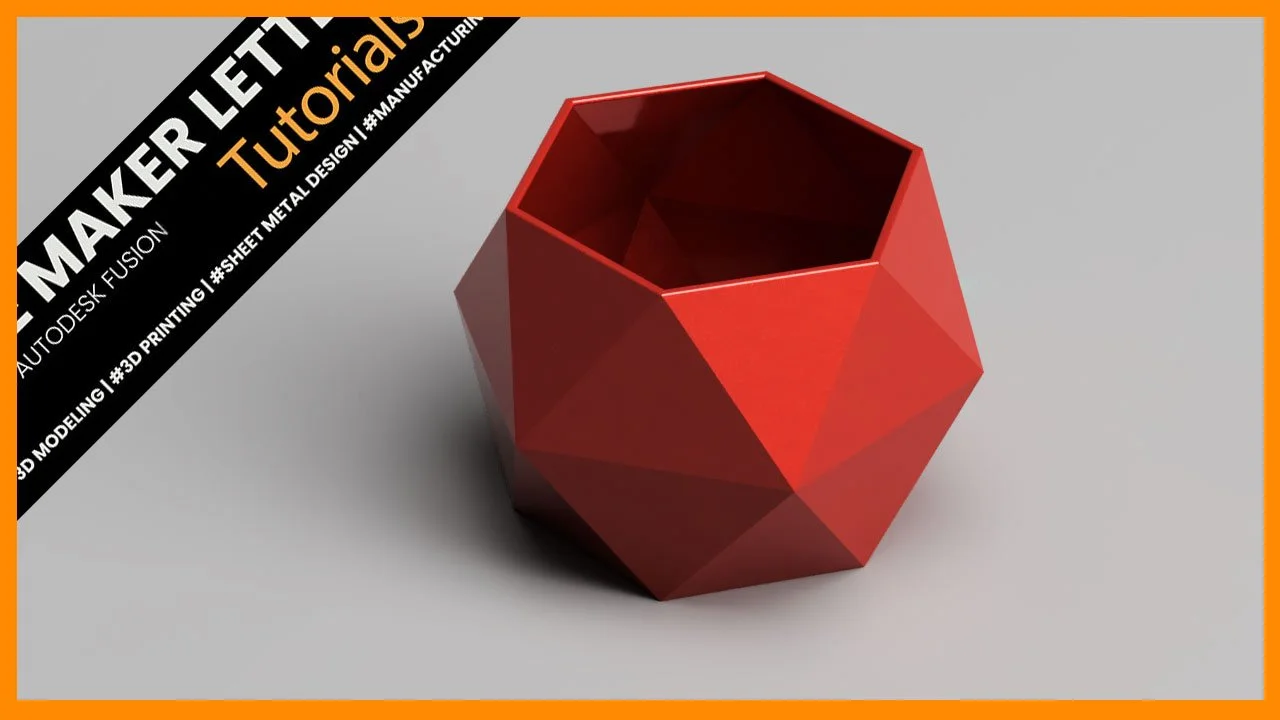
Design a 3D-Printable Hexagon Pot in Fusion
Design a 3D-printable hexagon pot in Fusion using surface and solid modeling. Learn how to build the faceted shape and refine it for clean 3D printing.
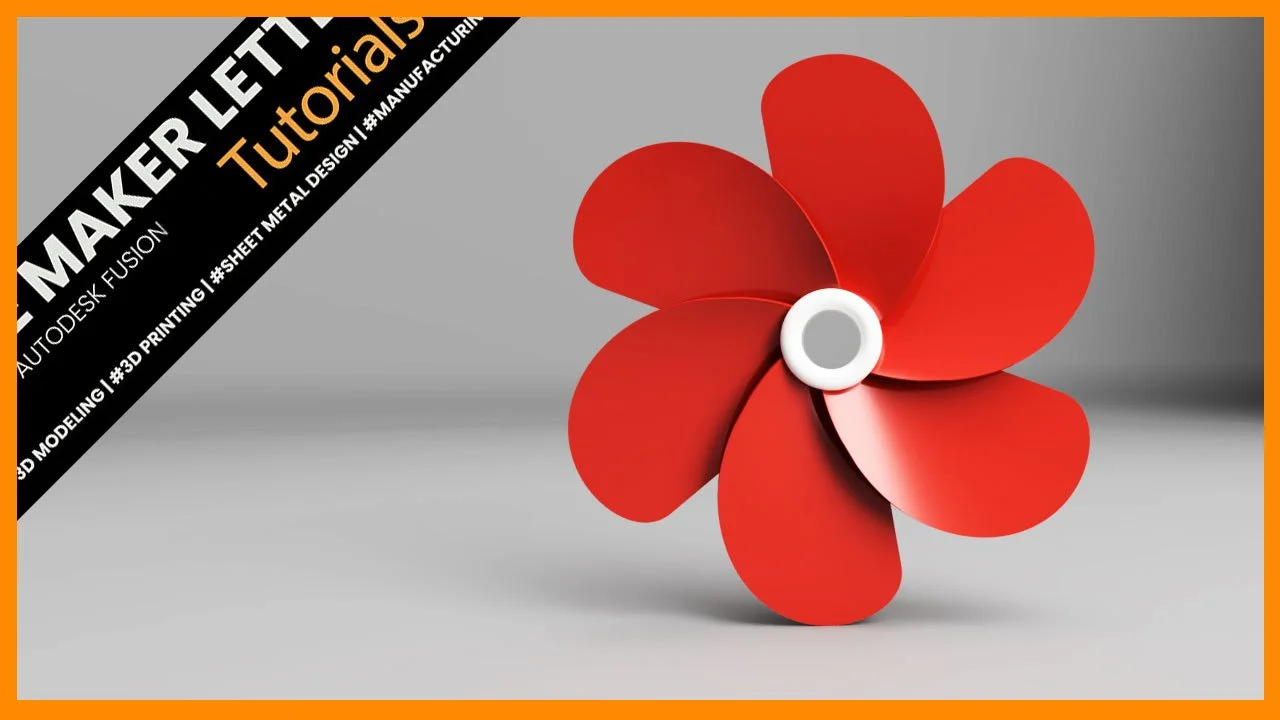
How to Prototype a Propeller in Fusion: Step-by-Step Guide
Create a simple propeller model in Fusion by combining surface and solid modeling tools. The workflow covers sketching the hub, shaping a blade with splines and lofts, converting surfaces into solids, and finishing the design with patterns and rendering.