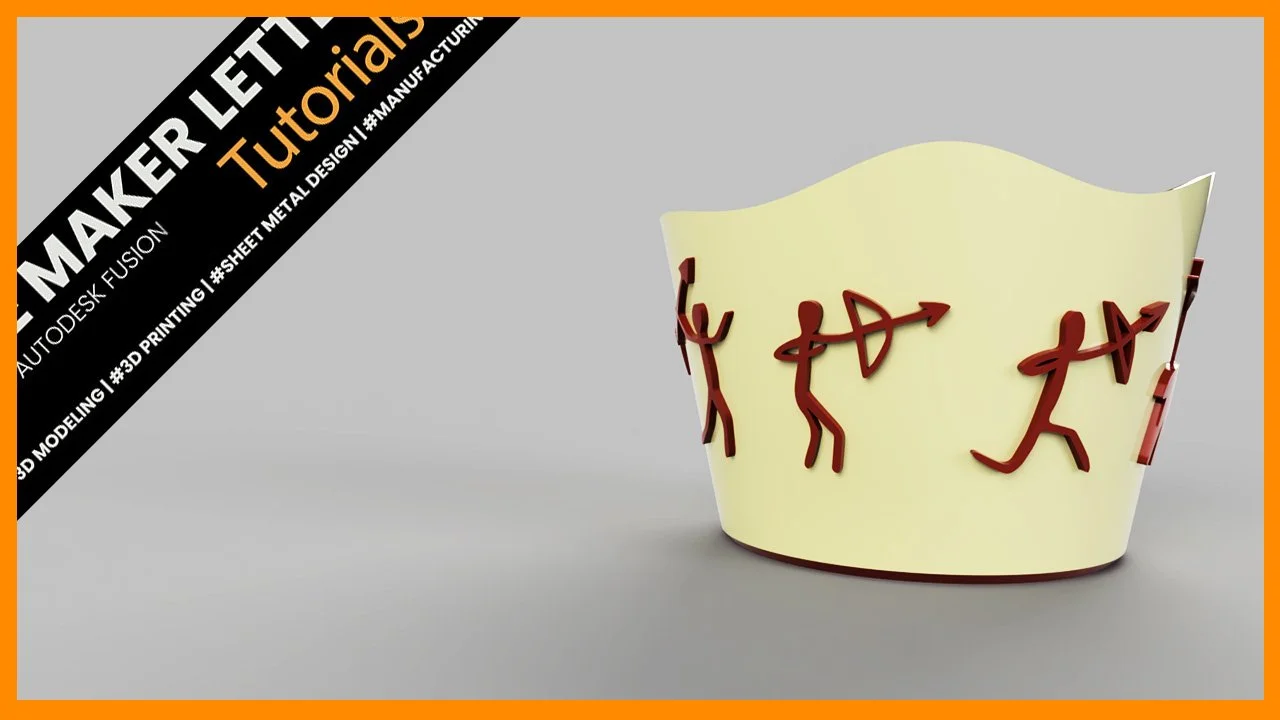
Master Fusion Techniques: Design an Intricate Bowl with Sheet Metal, Surface Modeling, and Loft Tools
Design a decorative bowl in Fusion by combining sheet metal, surface modeling, and loft tools. Learn how to build flexible sketches, reuse geometry, unfold for flat detailing, and refine the final shape with surface workflows.
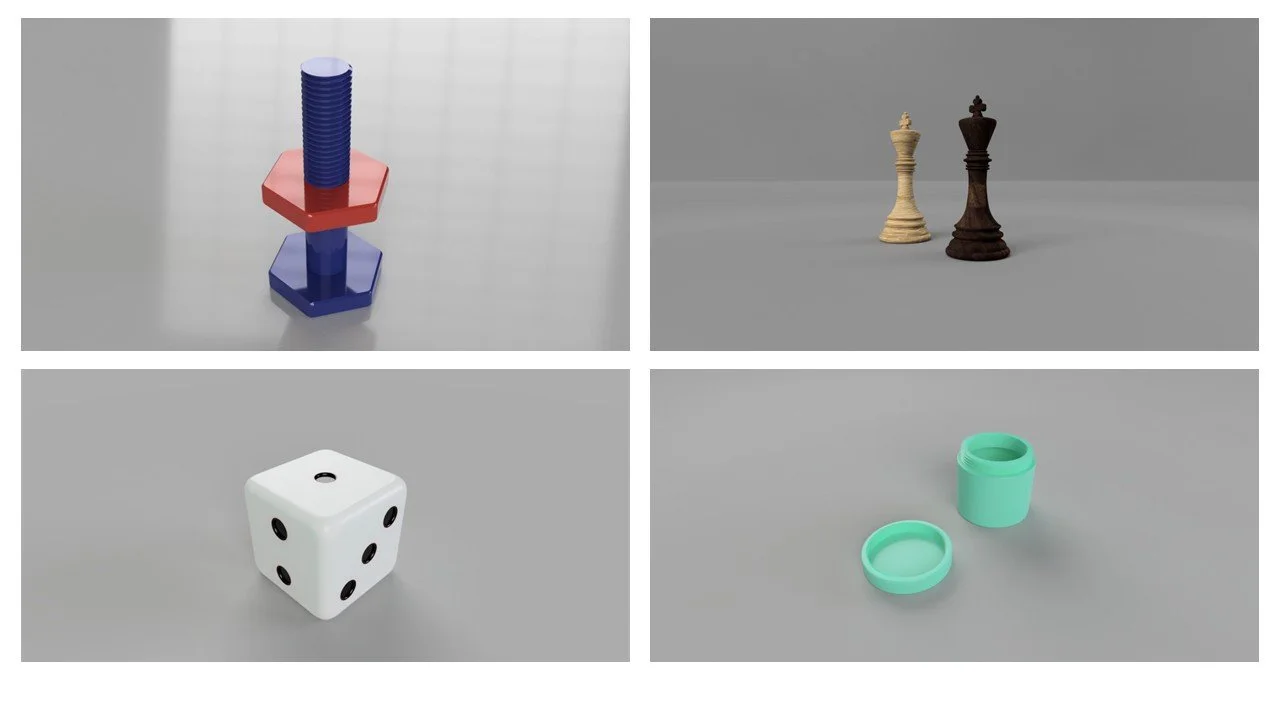
Course Update: Autodesk Fusion for Complete Beginners
Course Update: Autodesk Fusion for Complete Beginners
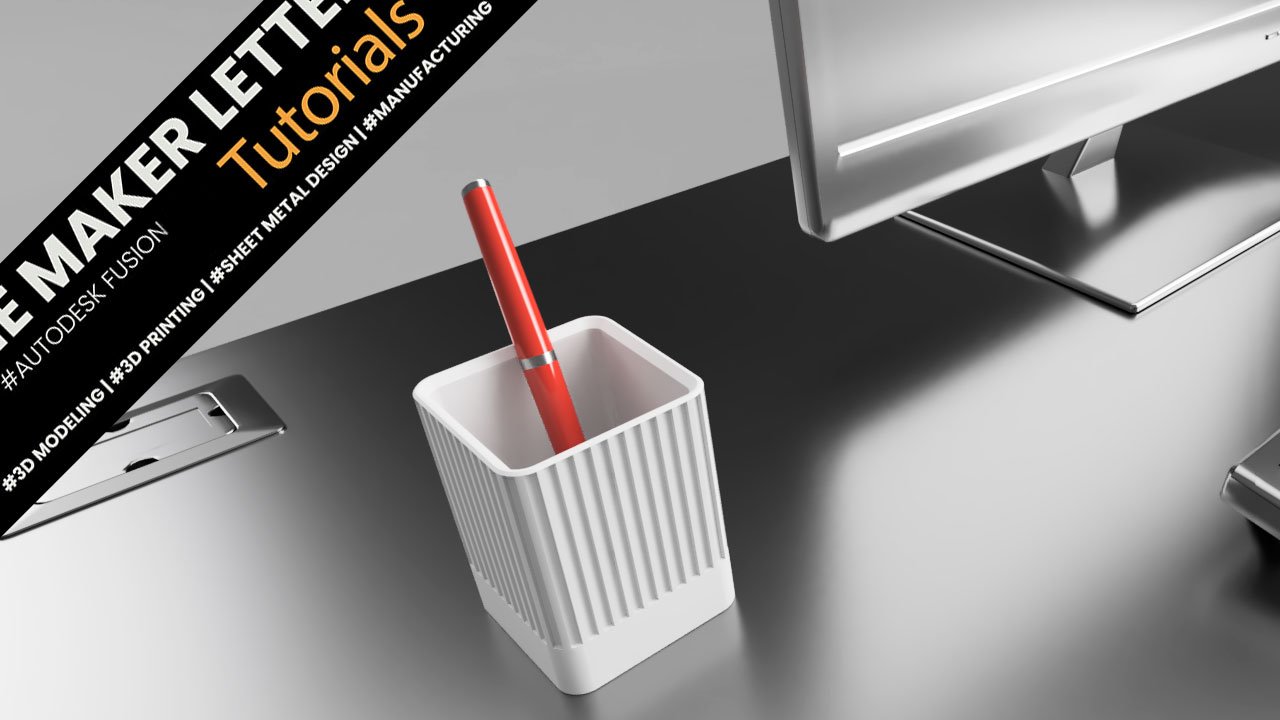
New Project in the course Autodesk Fusion for Complete Beginners: Industrial Design Pen Holder
New Project in the course Autodesk Fusion for Complete Beginners: Industrial Design Pen Holder
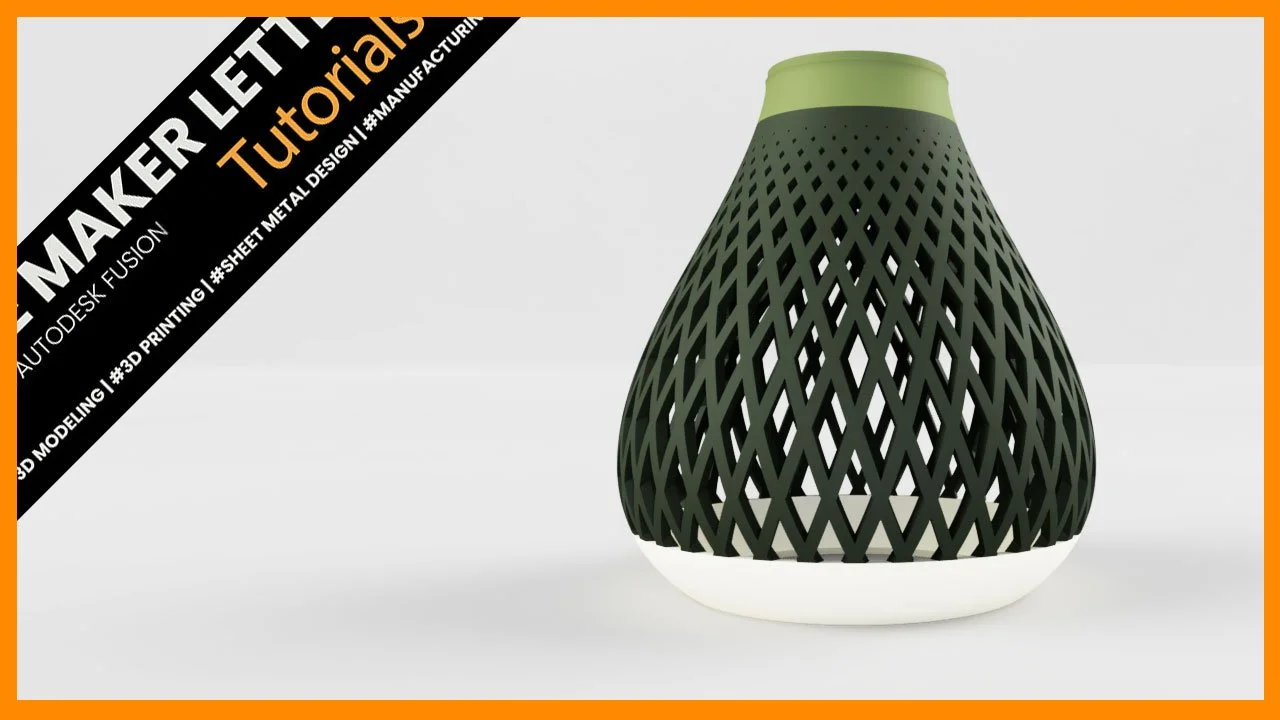
Design a 3D Printed Lampshade in Autodesk Fusion CAD Software
Learn how to design a multi-color 3D-printed lampshade in Fusion using a clean, parametric workflow. This tutorial combines surface and solid modeling techniques, including splines, revolve, surface thickening, and pattern tools, to create a printable, customizable lampshade design step by step.
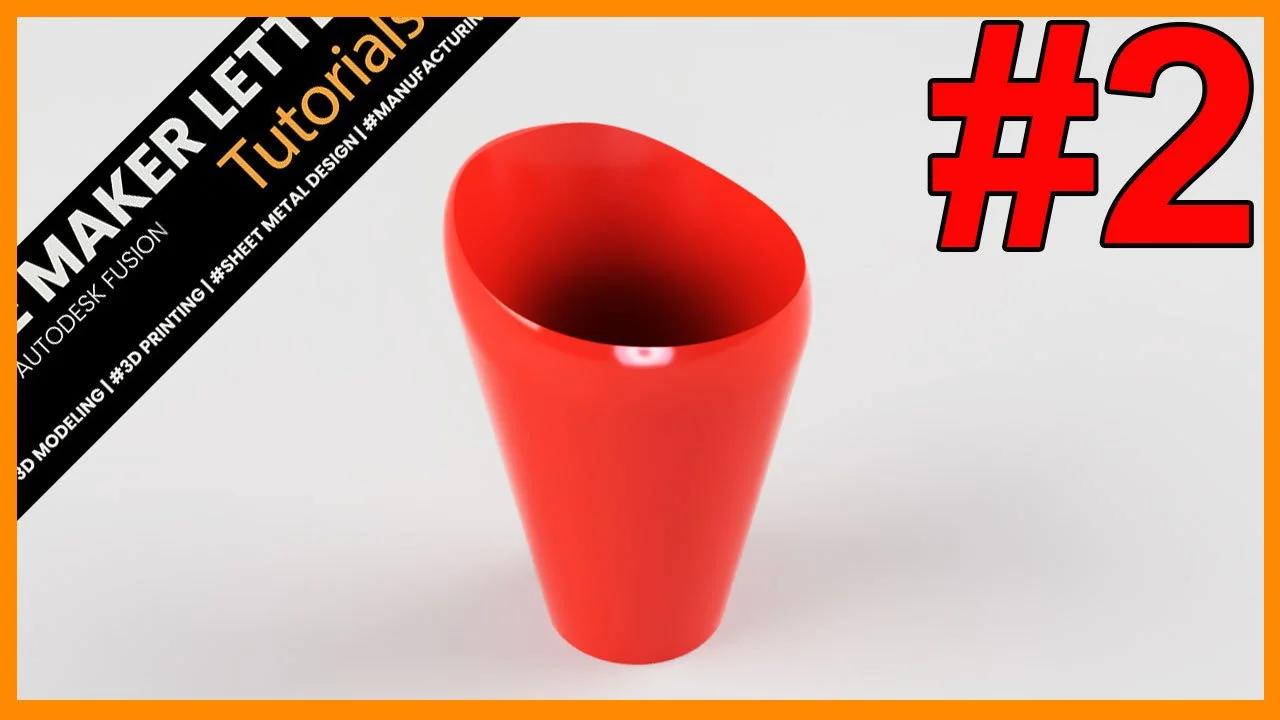
Five Fantastic Fillet Facts in Fusion
Fillets are one of the most powerful yet often misunderstood tools in Fusion. They do more than soften sharp edges—they influence strength, surface continuity, and how well a model survives design changes. This tutorial covers five practical fillet facts, each based on real modeling scenarios that improve workflow reliability and produce cleaner, more professional parts.
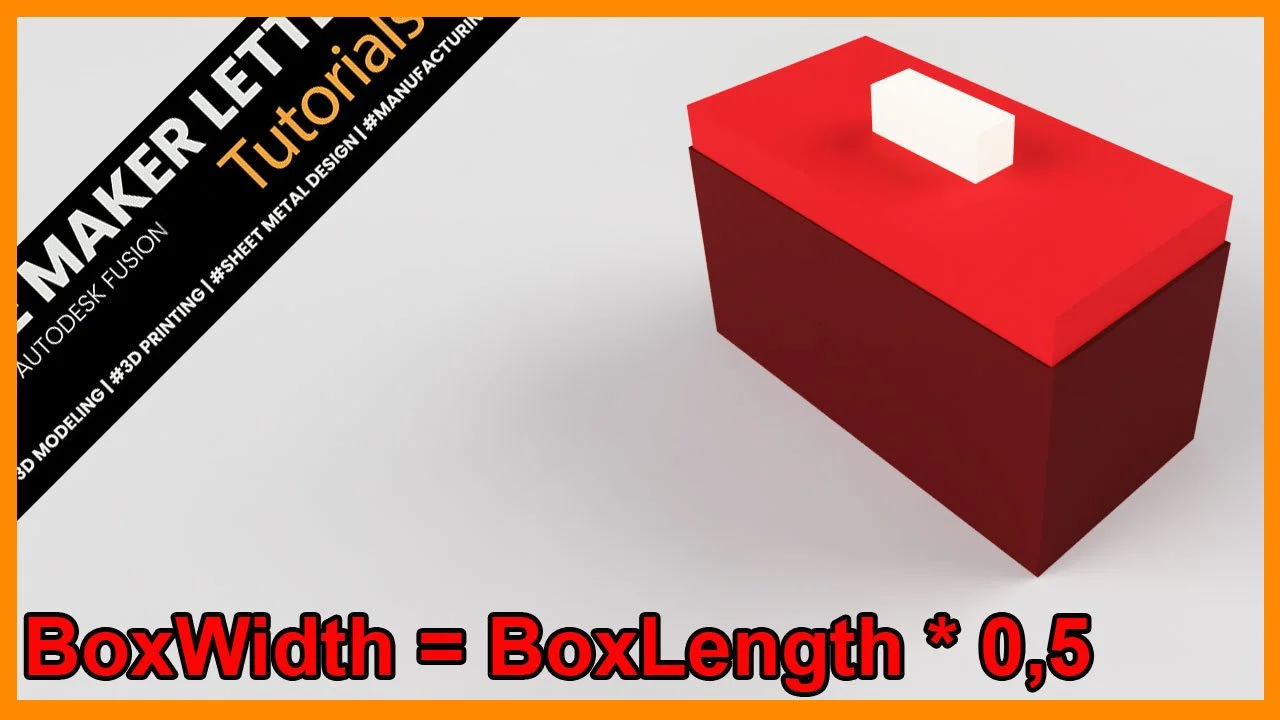
How to add User Parameters in Fusion
Learn how to control your entire Fusion model with a single set of parameters. This tutorial shows you how to build a fully dynamic box with a lid — where every dimension updates automatically. A fast, reliable workflow for smarter 3D-printing designs.
Great news for all Fusion enthusiasts!
This course blends hands-on projects, essential theory, and in-depth command tutorials.
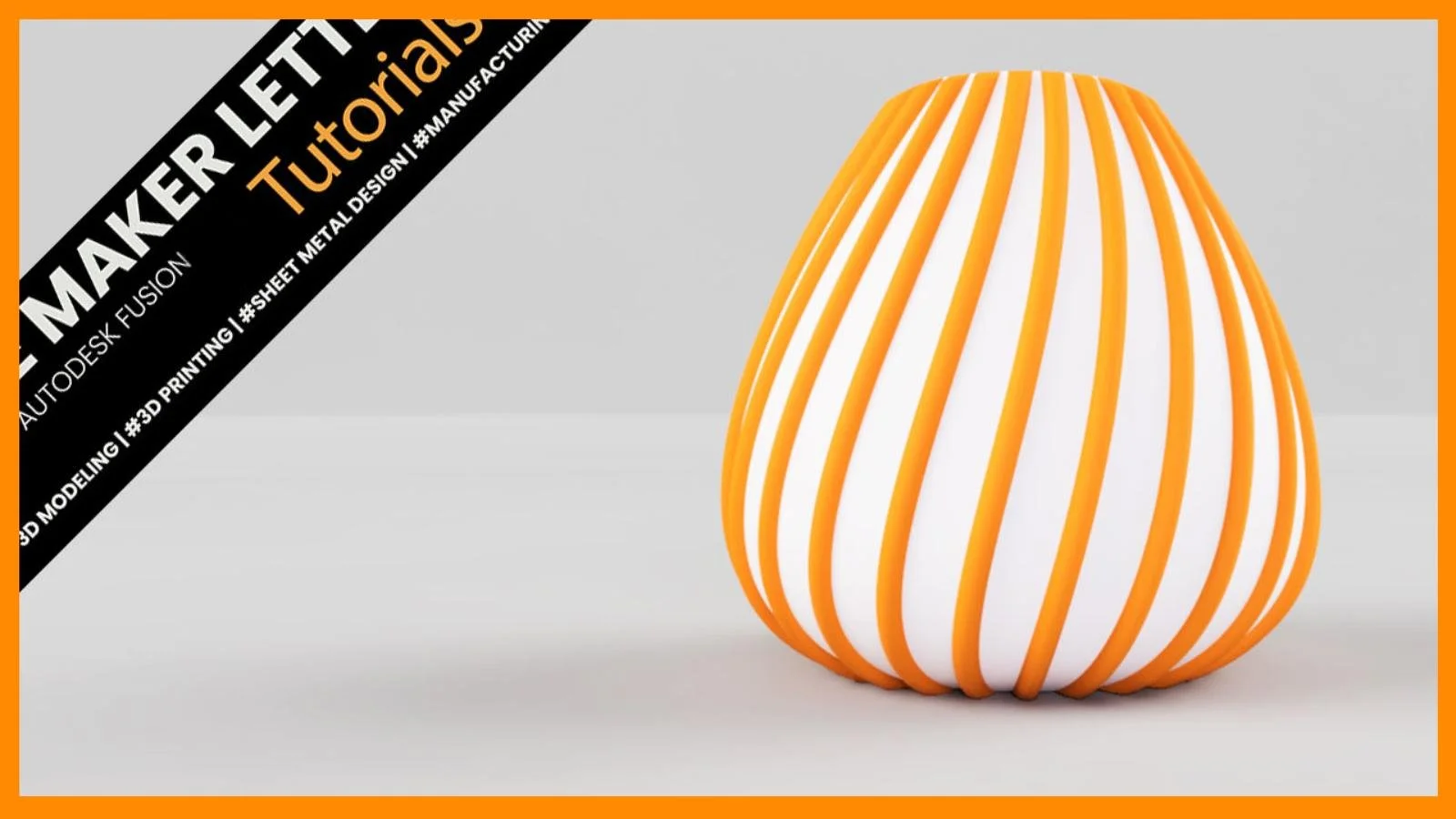
How to Design a Best-Selling 3D Printed Vase in Fusion
Learn how to model a clean, modern twisted vase in Fusion using surface tools, controlled sketches, and a simple workflow built for 3D printing.
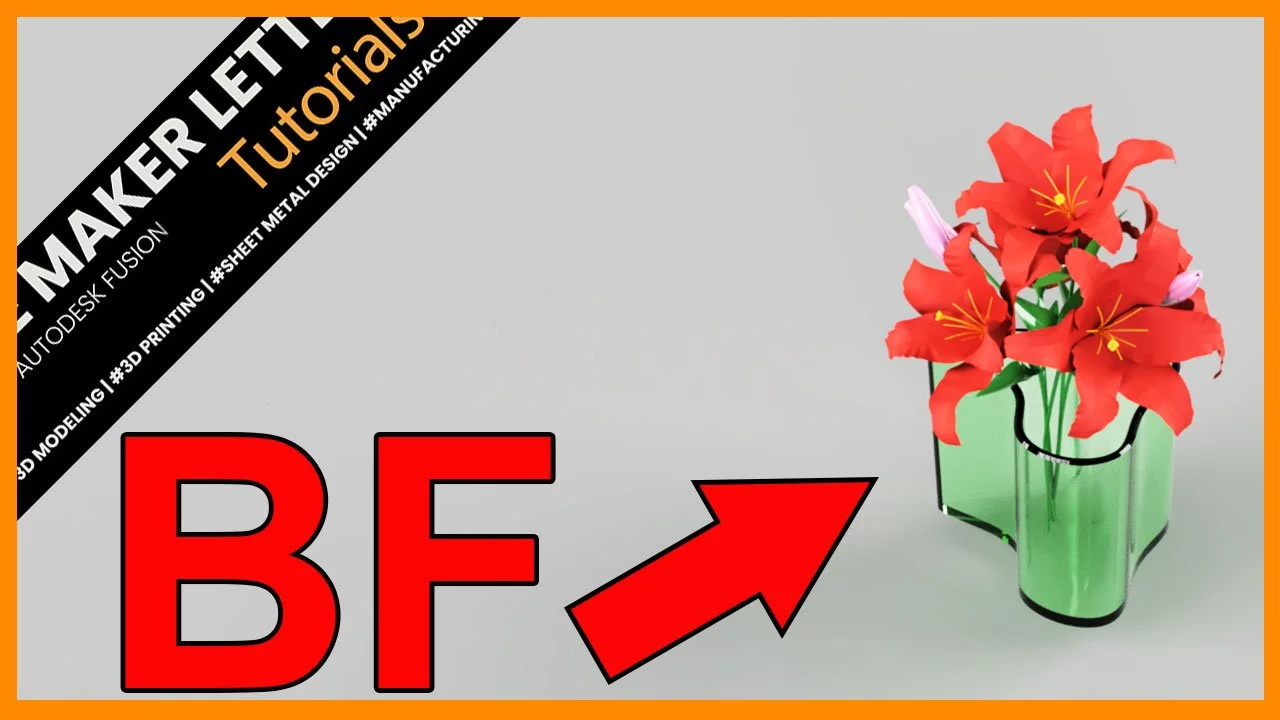
Mastering Boundary Fill in Fusion: Blend Surface and Solid Modeling Like a Pro
Discover how to blend surface and solid modeling in Autodesk Fusion using the Boundary Fill tool. This step-by-step tutorial shows how to turn complex surface intersections into clean, editable solid bodies — ideal for advanced design and 3D printing workflows.
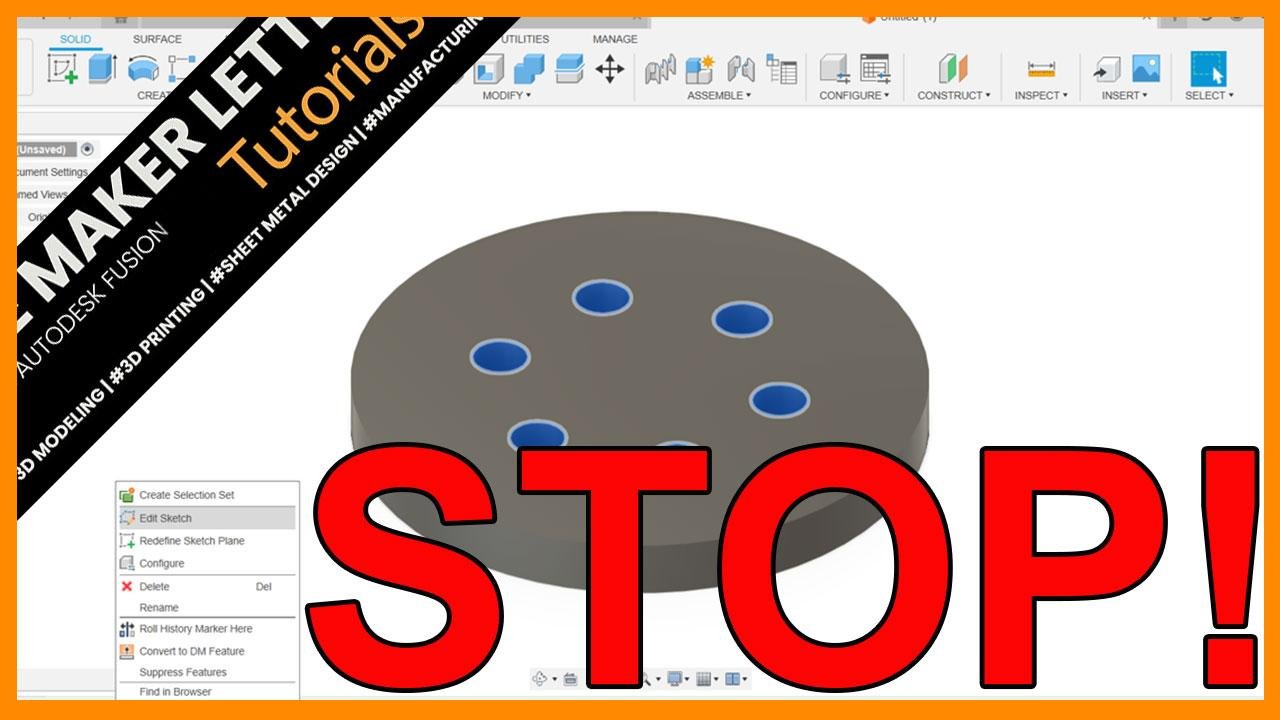
Why Creating Patterns in the Solid Modeling Workspace is Better in Autodesk Fusion
Many Fusion users waste time creating patterns in sketches. Discover why switching to the solid modeling workspace makes your designs faster, cleaner, and easier to edit.
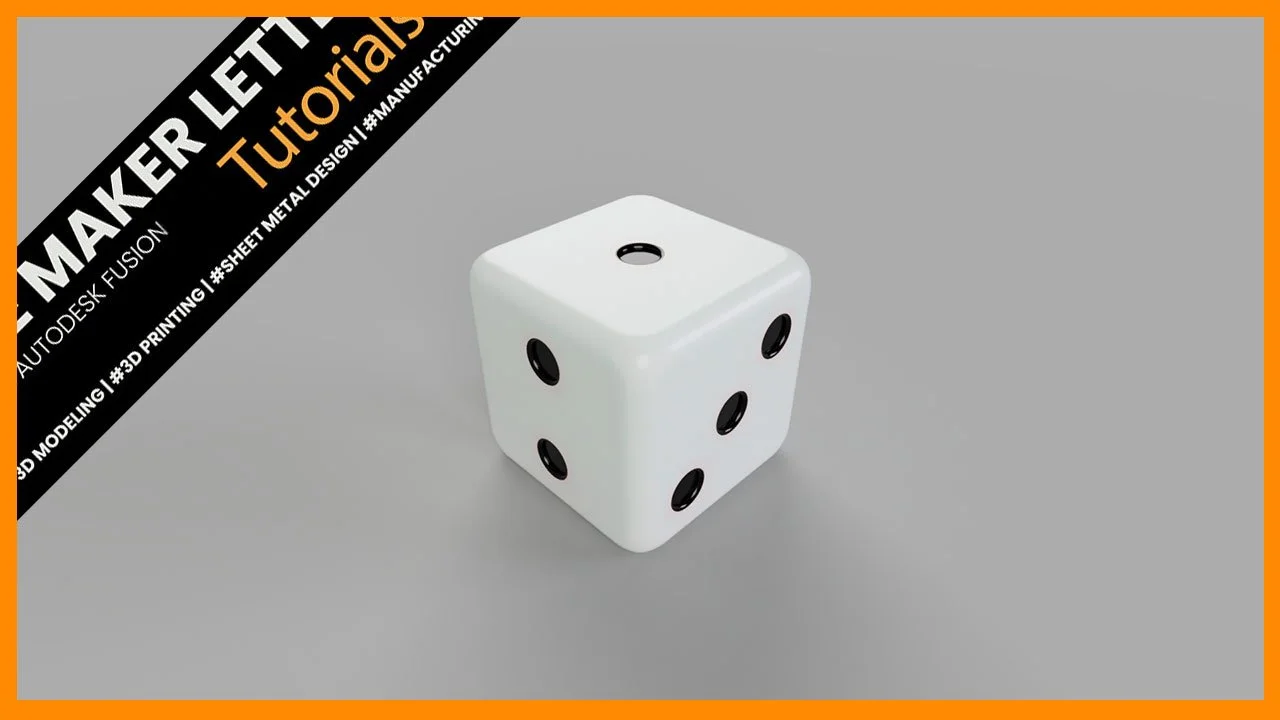
Autodesk Fusion for Beginners: Preview the Course
Autodesk Fusion for Complete Beginners | Course Preview

Autodesk Fusion Tutorial: Create an Industrial Design Pen Holder for 3D Printing
Autodesk Fusion Tutorial: Create an Industrial Design Pen Holder for 3D Printing
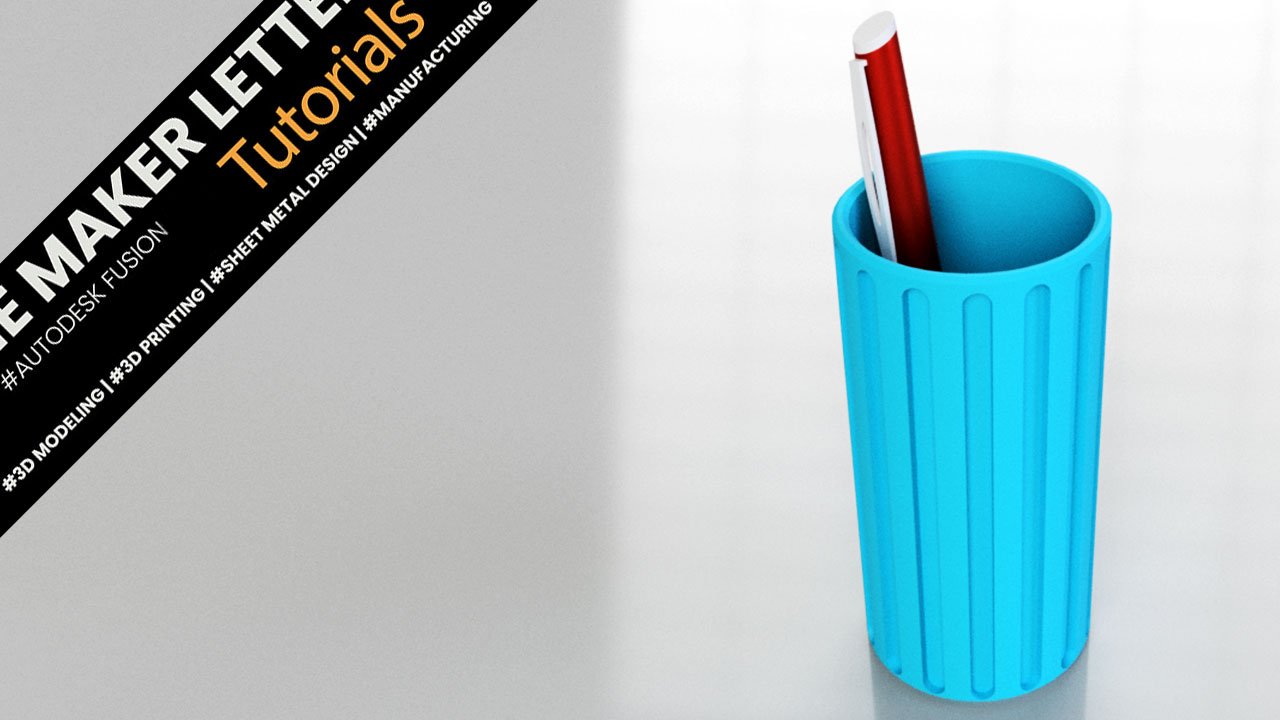
Fusion Project for Students | Pen Holder
Learn how to create your own 3D printable pen holder with this step-by-step guide using Autodesk Fusion (formerly known as Fusion 360).