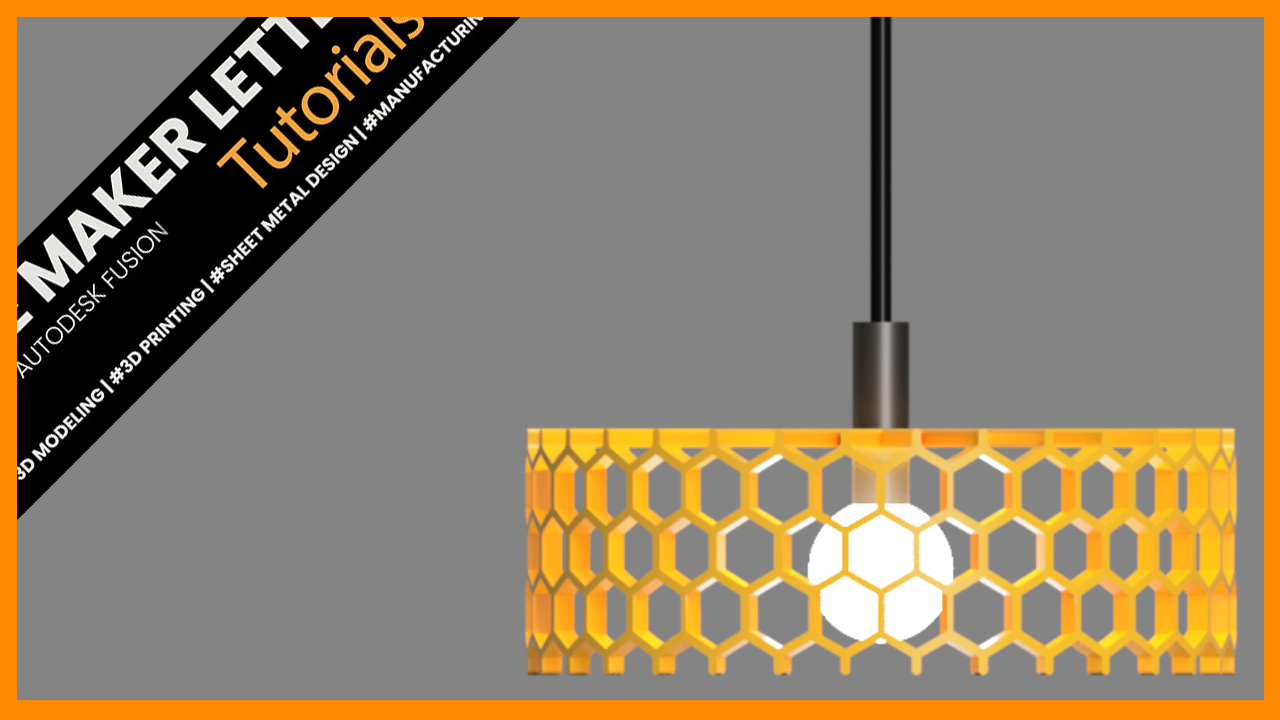
How to Design a Honeycomb Lampshade in Fusion
Learn how to design a honeycomb lampshade in Autodesk Fusion (formerly Fusion 360) with this step-by-step tutorial. Create the repeating honeycomb structure, build the lampshade geometry, and prepare your finished design for 3D printing.
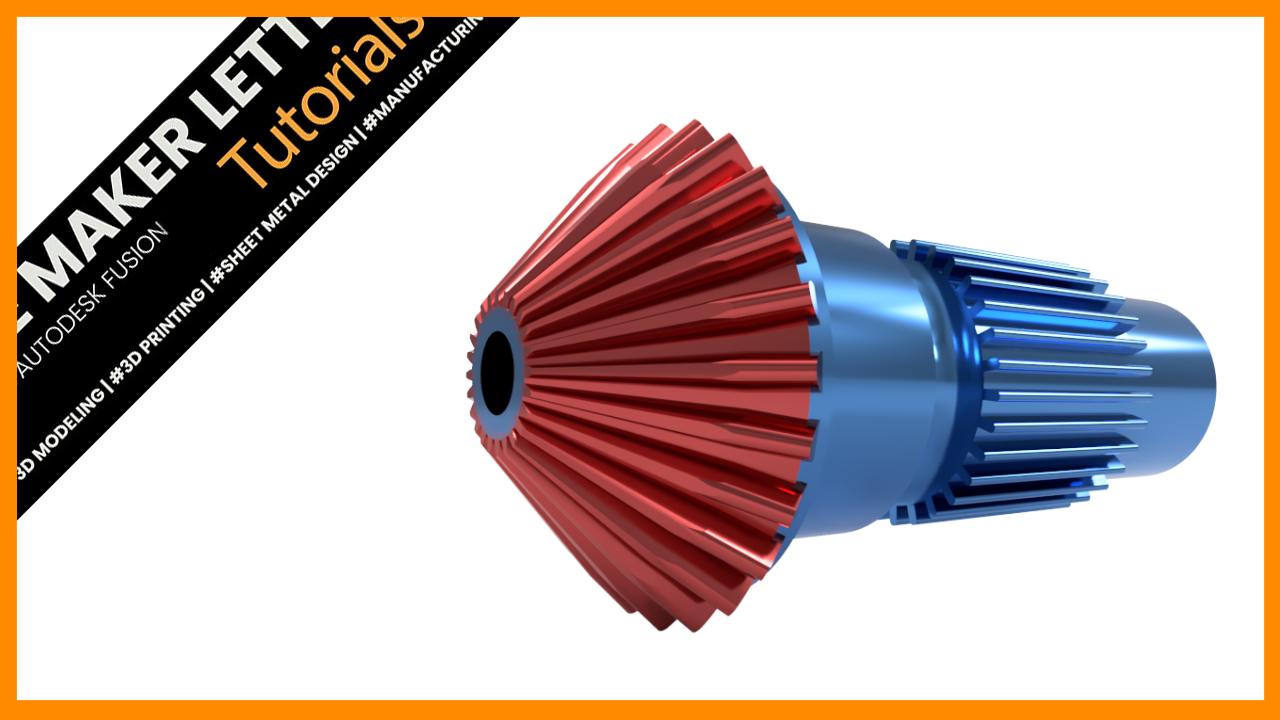
Speed Modeling a Straight Bevel Gear in Fusion Using the SpurGear Add-In
Learn how to model a straight bevel gear in Autodesk Fusion (formerly Fusion 360) using sketches, revolves, lofts, circular patterns, and the Spur Gear add-in. This step-by-step workflow demonstrates how to transform a standard spur gear into a bevel gear concept suitable for prototyping, visualization, and mechanical design practice.

How to Model a Precise Mechanical Part in Fusion Using Sketch Constraints and Parametric Design
Learn how to design a fully parametric mechanical linkage in Autodesk Fusion (formerly Fusion 360) using sketch constraints, tangent geometry, mirrored features, extrusions, and engineering drawings. This step-by-step tutorial covers the complete workflow from sketch to finished drawing while demonstrating best practices for creating robust, editable CAD models.
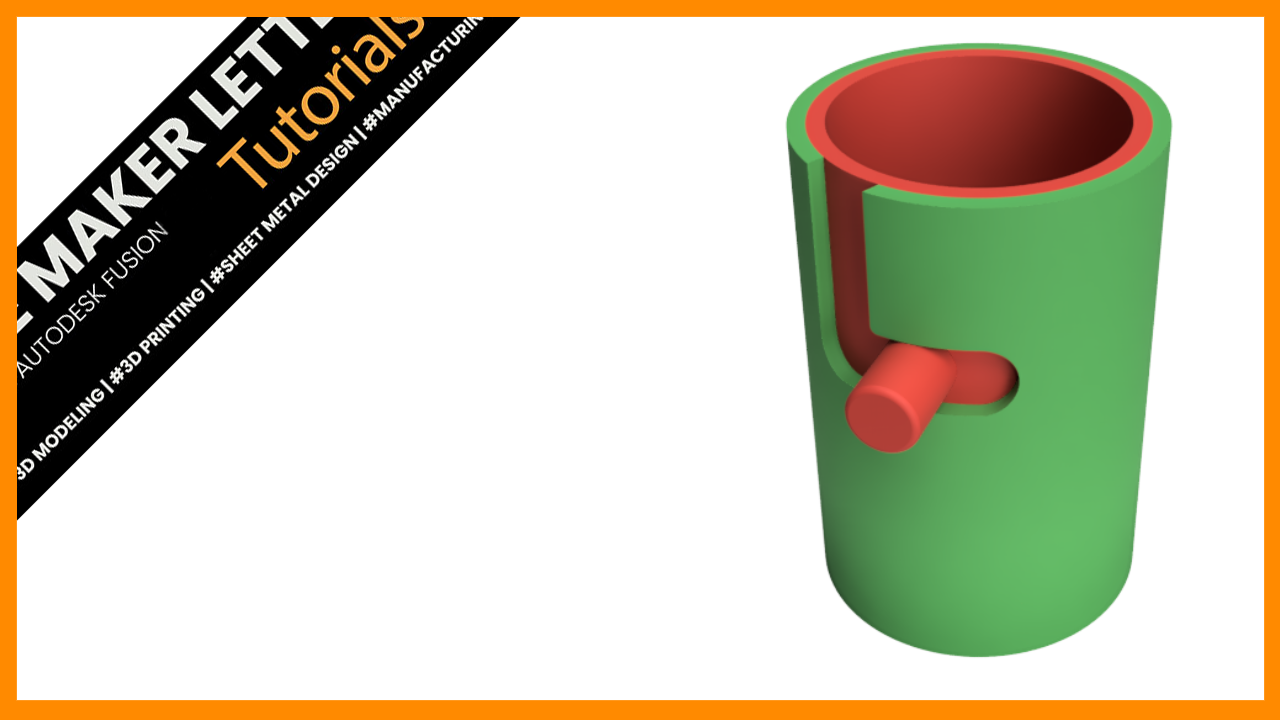
Speed Up Your Fusion Workflow: Master 3D Sketching and Sweep Cut Design
This Fusion tutorial walks through a powerful solid sweep workflow for creating a twisted cylindrical container using 3D sketches, section analysis, shell operations, and parametric modeling techniques. Learn how to manage separate bodies, build controlled sweep paths, and create cleaner geometry for advanced 3D printing and product design projects.
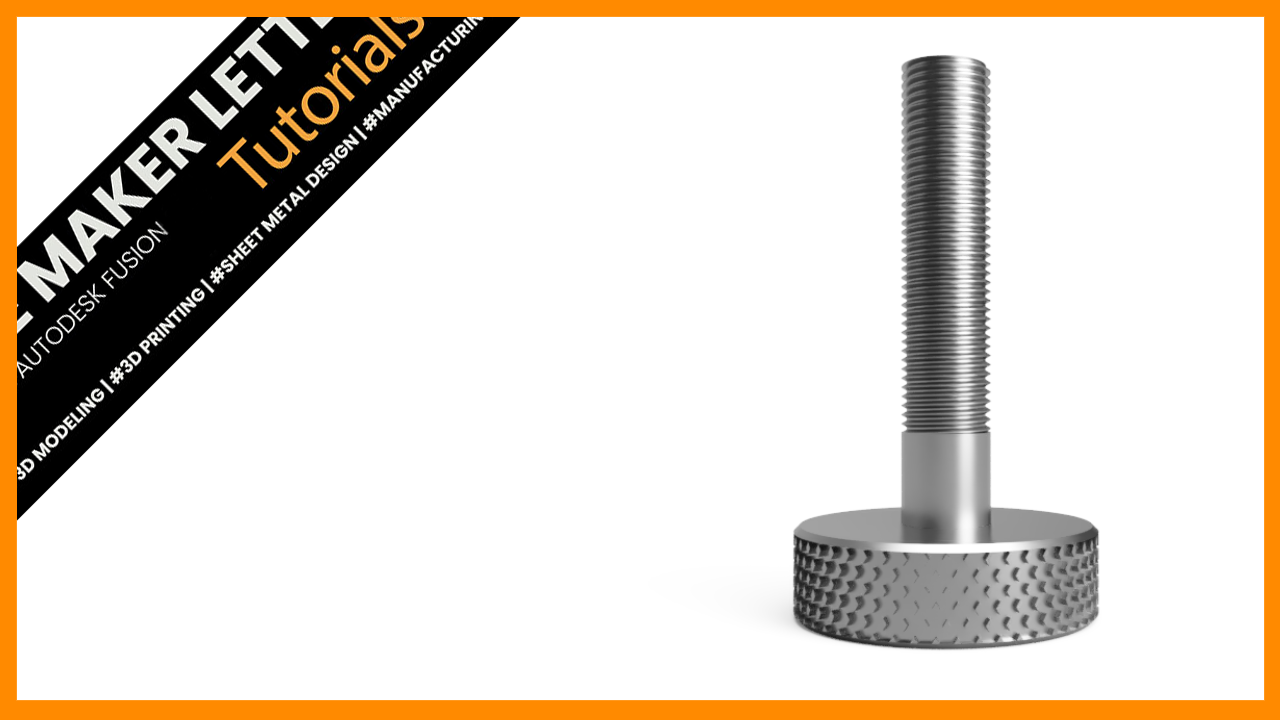
Create a Knurled Bolt in Fusion Using Emboss and Drawings
Learn how to create a knurled bolt in Fusion using emboss, circular patterns, modeled threads, and technical drawings. A practical workflow for mechanical CAD and 3D printable designs.

Design a Fidget Cone in Fusion for 3D Printing
Twisted cone vase built in Fusion using a controlled mix of surface and solid modeling. A helical sweep defines the spiral cutouts, then stitch and thicken convert the geometry into a clean, 3D-printable solid.
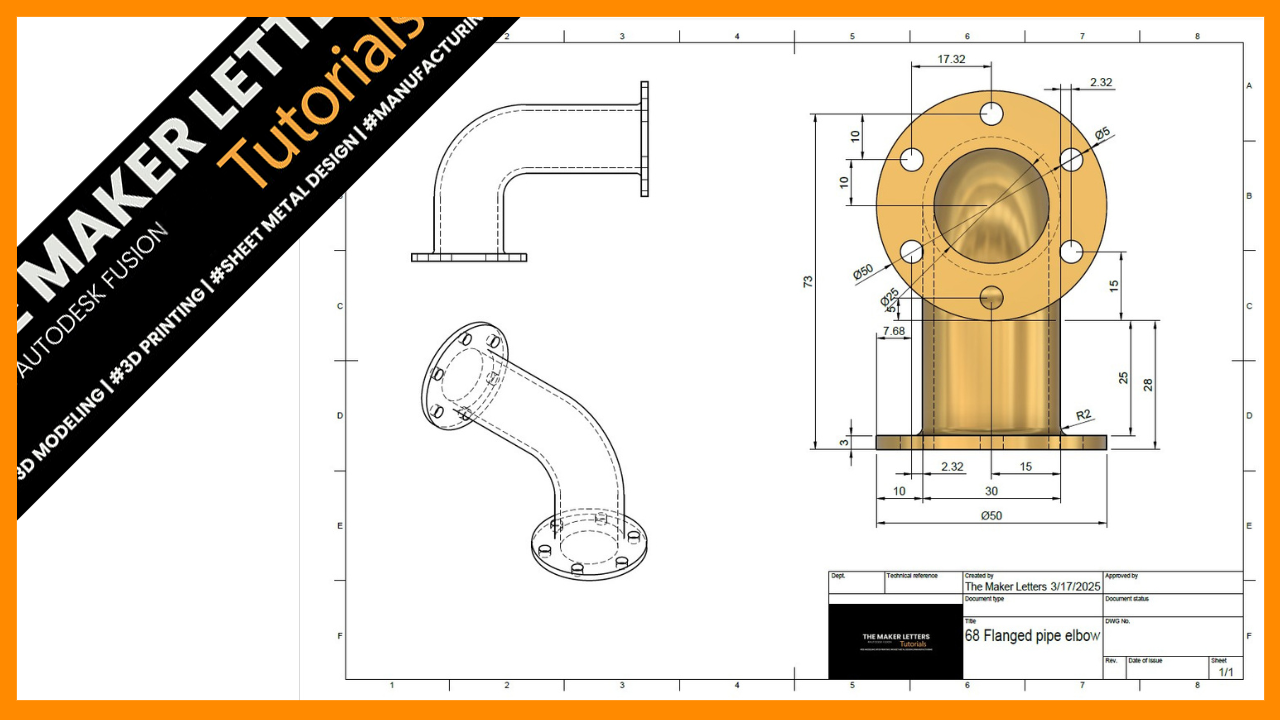
Efficient Workflow for Creating a Flanged Pipe Elbow in Fusion (Formerly Fusion 360) – Step-by-Step Tutorial
Design and document a flanged pipe elbow in Fusion using a clean, efficient workflow. Build the geometry, refine it with fillets and appearance, then create a fully dimensioned technical drawing ready for export and manufacturing.
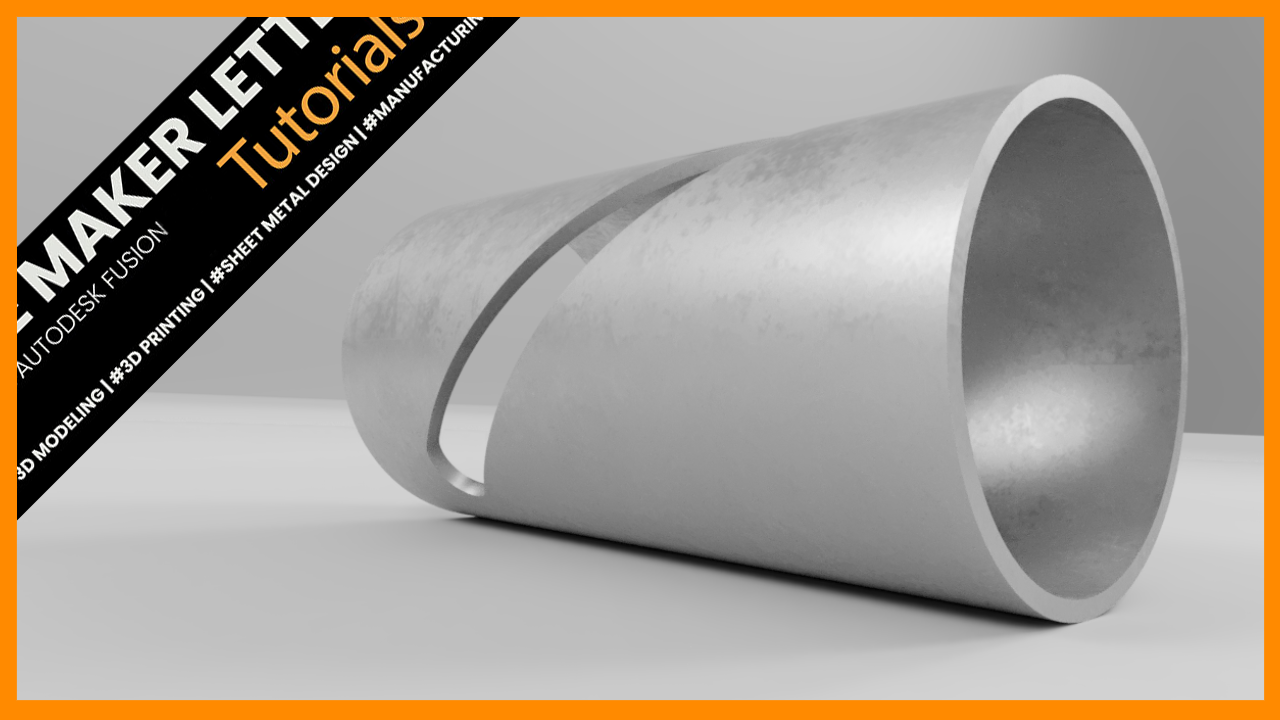
How to Add a Deboss Effect to a Cylinder in Autodesk Fusion (Formerly Fusion 360)
Learn how to create a clean deboss effect on a curved surface in Fusion using Thin Extrude and Emboss. This tutorial covers efficient sketching, feature control, and a fast workflow for engraving precise details on a cylindrical model.
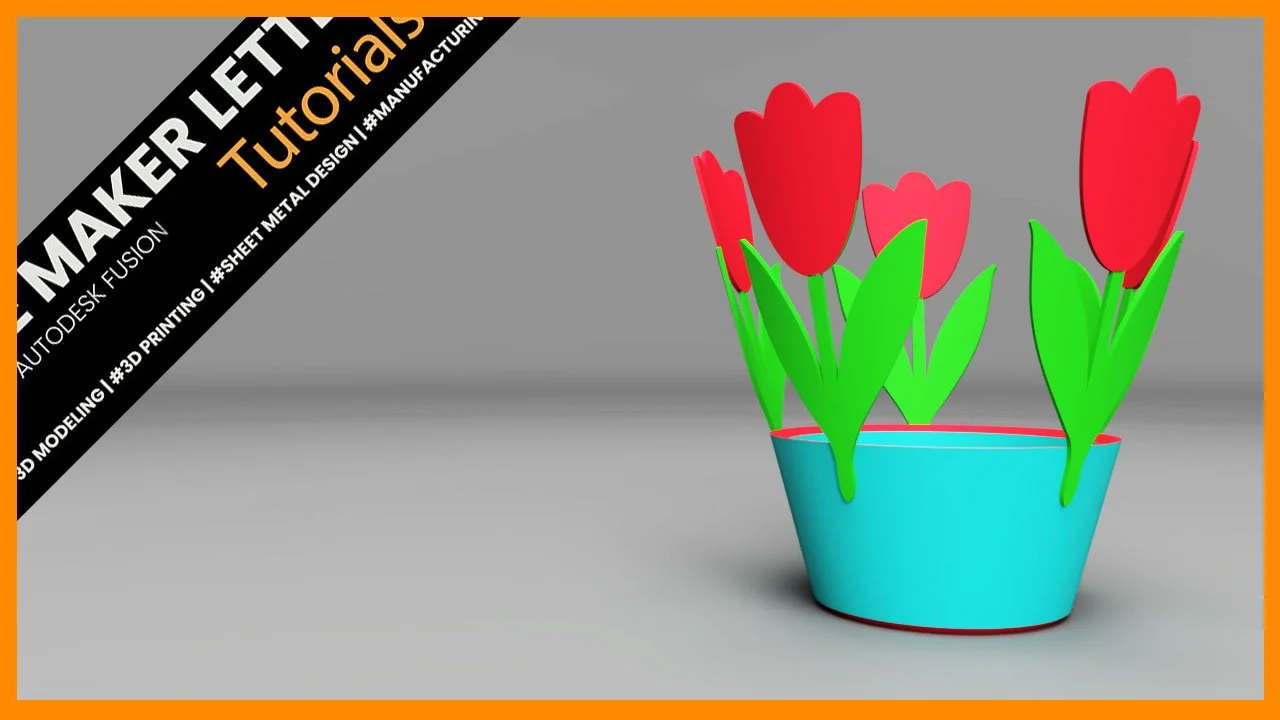
How to Design a Tulip Bowl in Fusion for 3D Printing
Design a decorative tulip bowl in Fusion using practical solid and sketch workflows for 3D printing. Learn how to shell for wall thickness, emboss SVG patterns onto curved surfaces, and prepare clean renders for thumbnails and product listings.
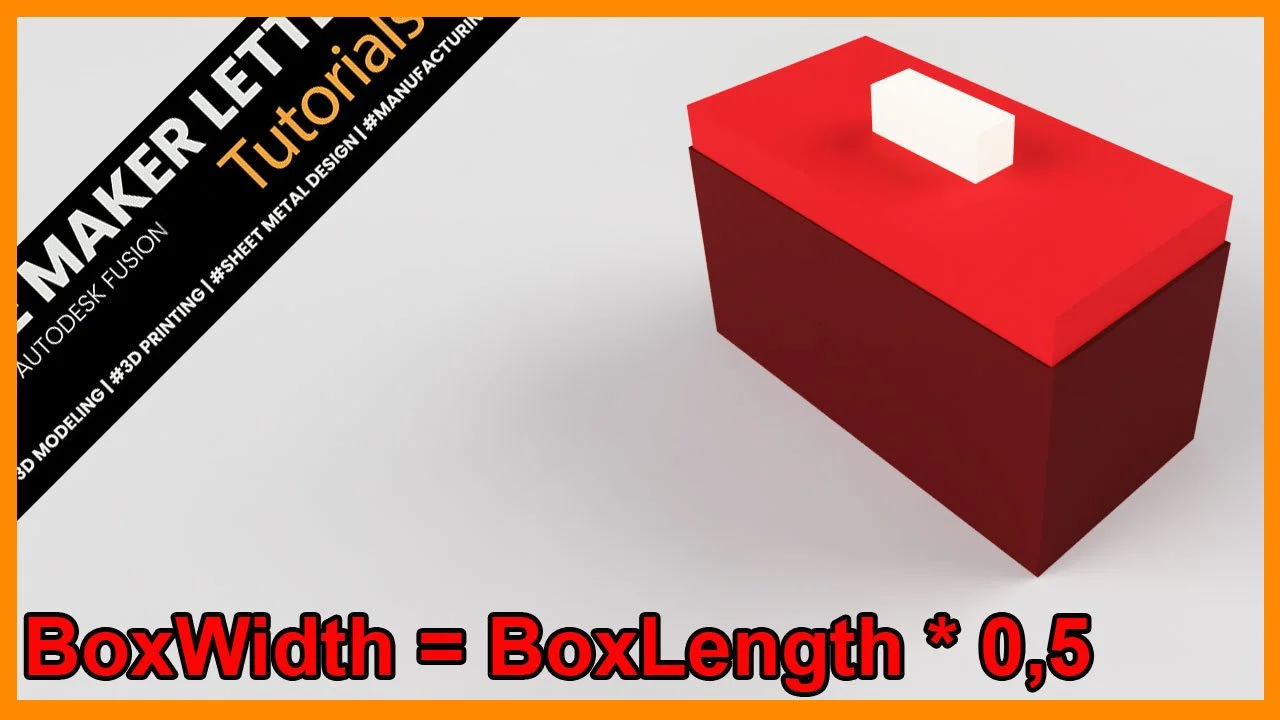
How to add User Parameters in Fusion
Learn how to control your entire Fusion model with a single set of parameters. This tutorial shows you how to build a fully dynamic box with a lid — where every dimension updates automatically. A fast, reliable workflow for smarter 3D-printing designs.